
Debts
How do I record a reimbursement?
Note that someone paid money back, so the budget's balance updates.
When someone pays you back what they owe, or you pay someone back, record it in Boney as a reimbursement. The budget's balance goes down by that amount, and the reimbursement stays visible in the budget's list.
Recording a reimbursement
- Open the budget concerned. From the Debts screen, tap the balance row: it opens the right budget directly.
- Tap the … button at the top right.
- Tap Reimbursement. This choice only appears while a debt is still open in that budget.
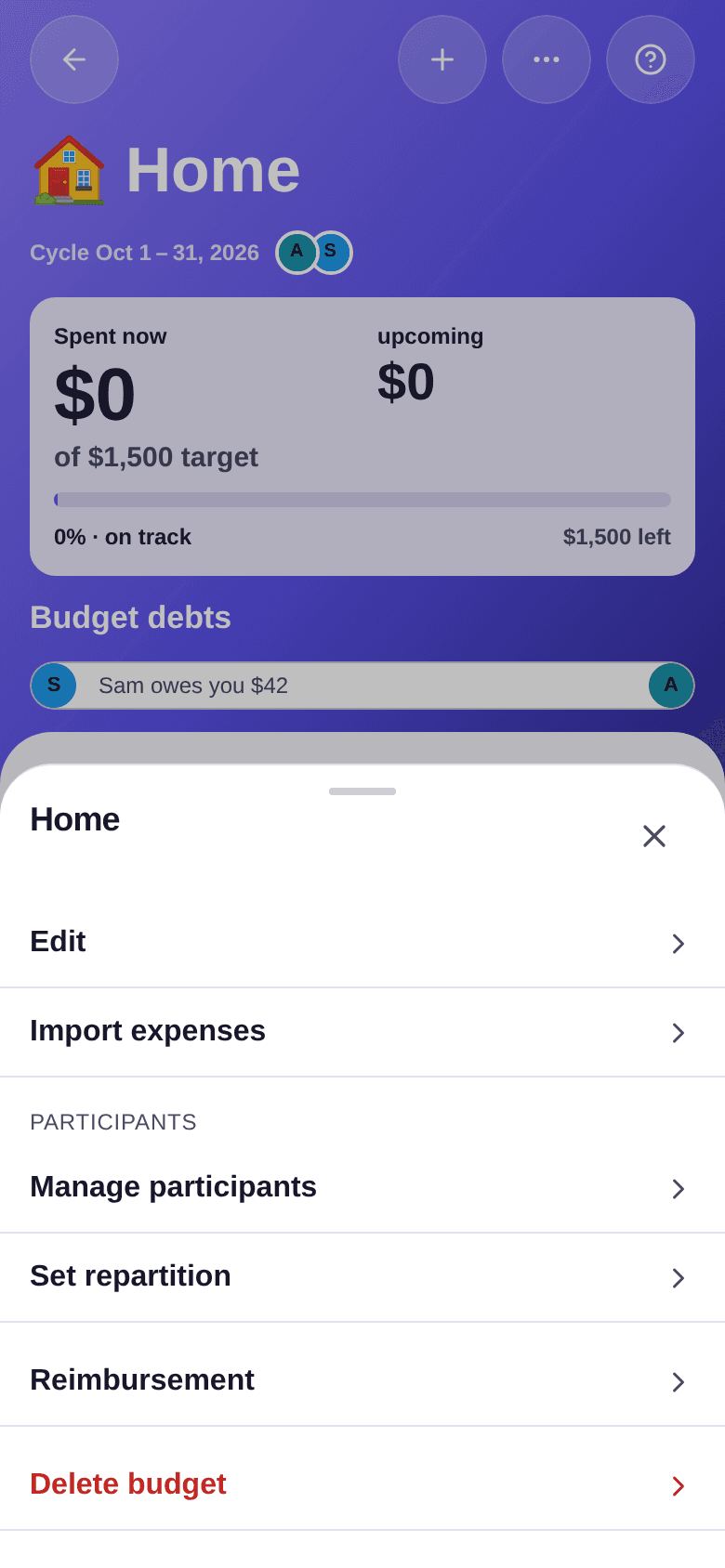
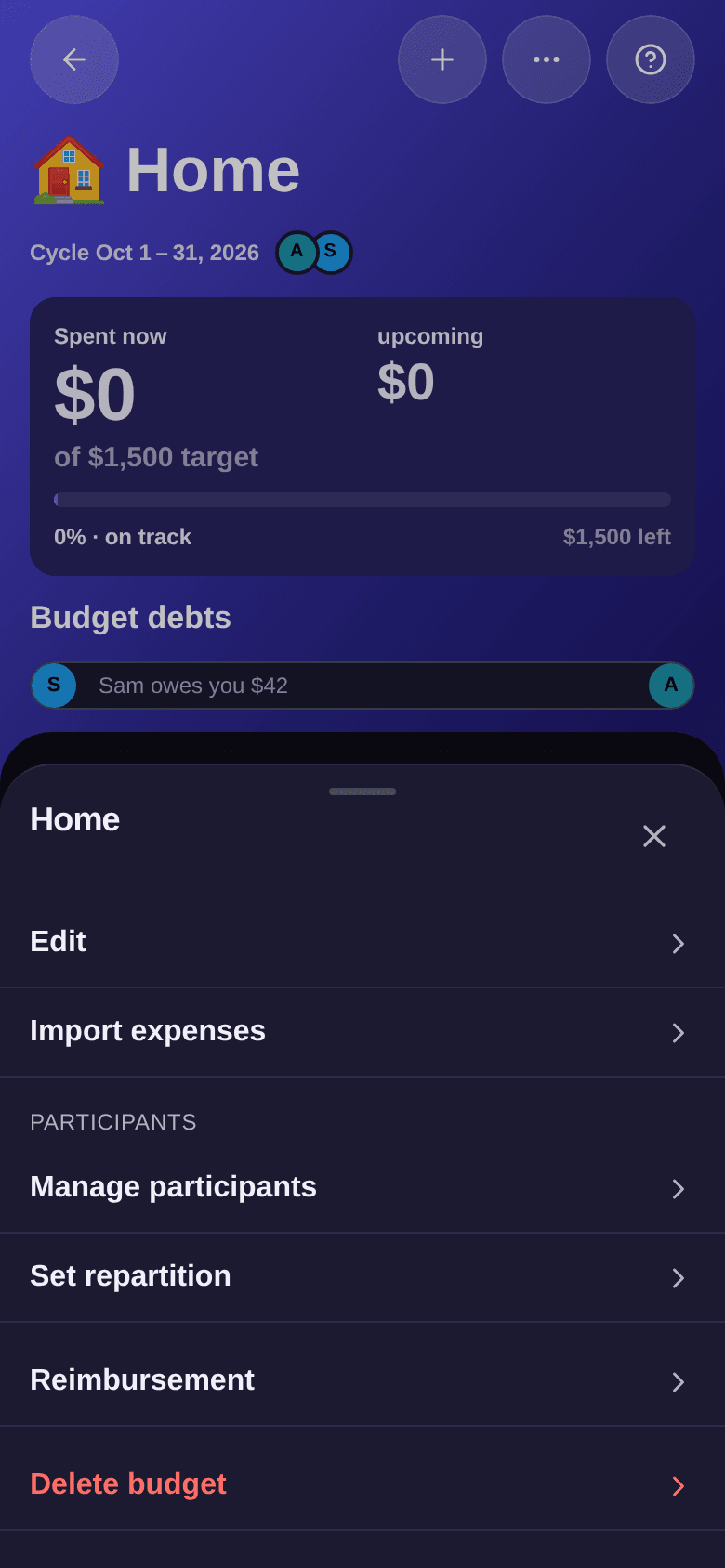
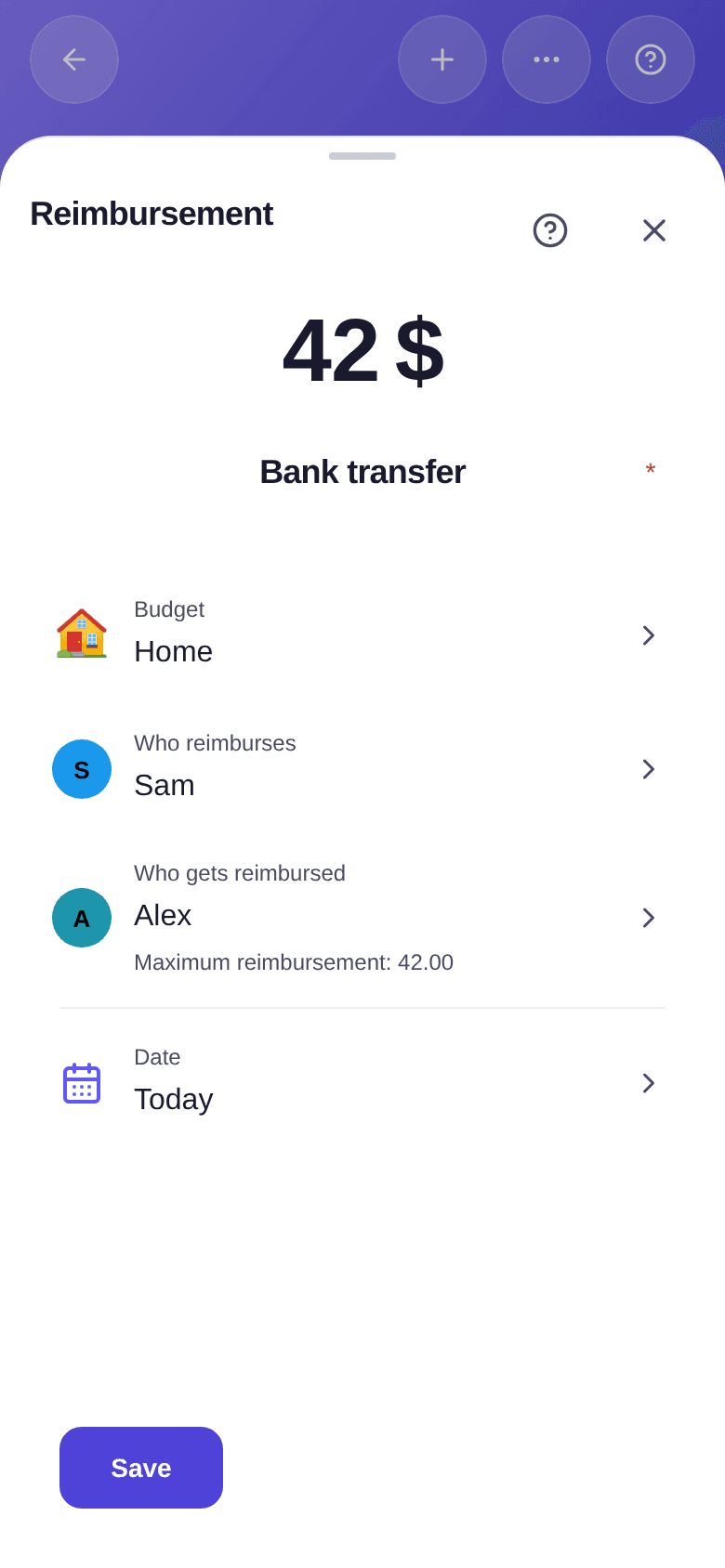
- Check Who reimburses and Who gets reimbursed. Boney fills them in already; tap a row to pick someone else.
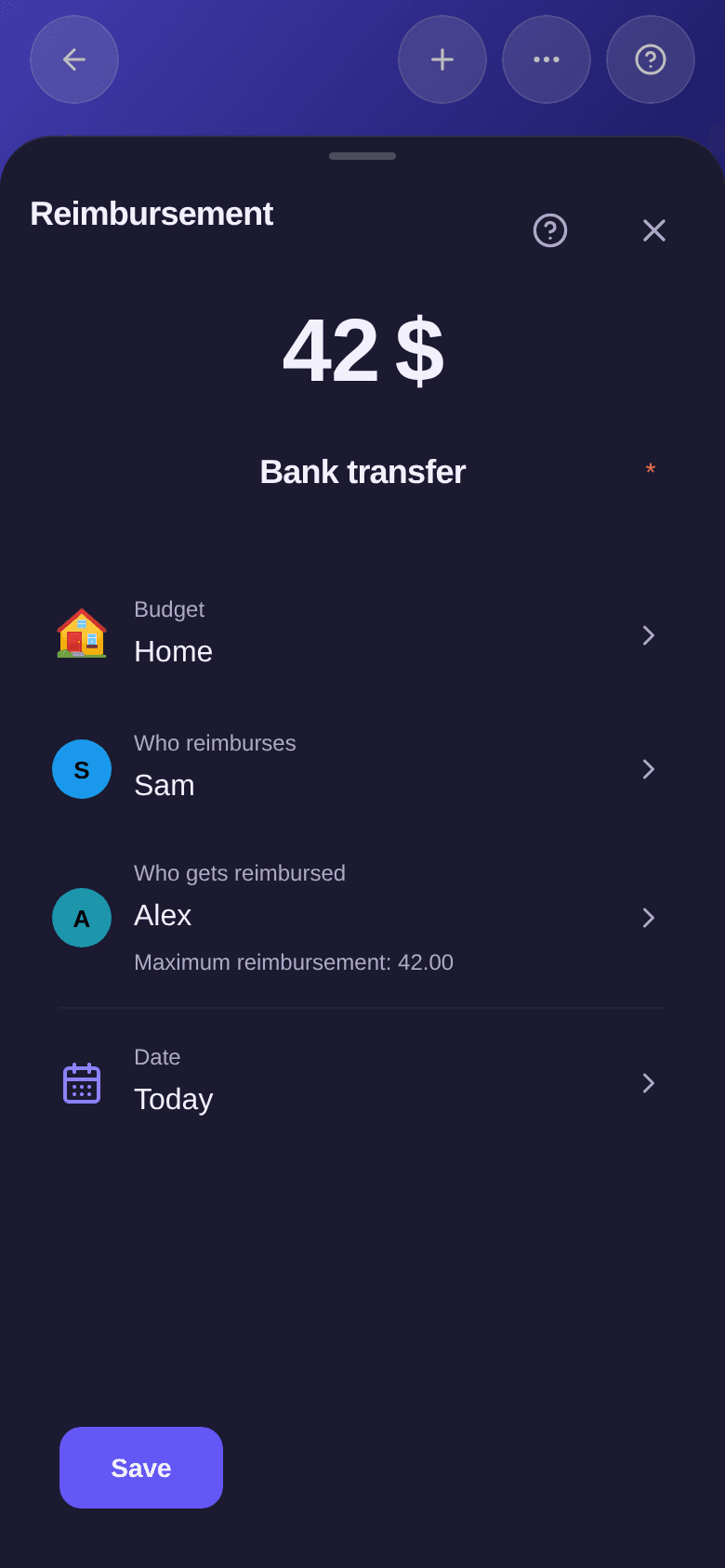
- Enter the amount and a label, for example “Bank transfer”.
- Tap Save.
What you see next
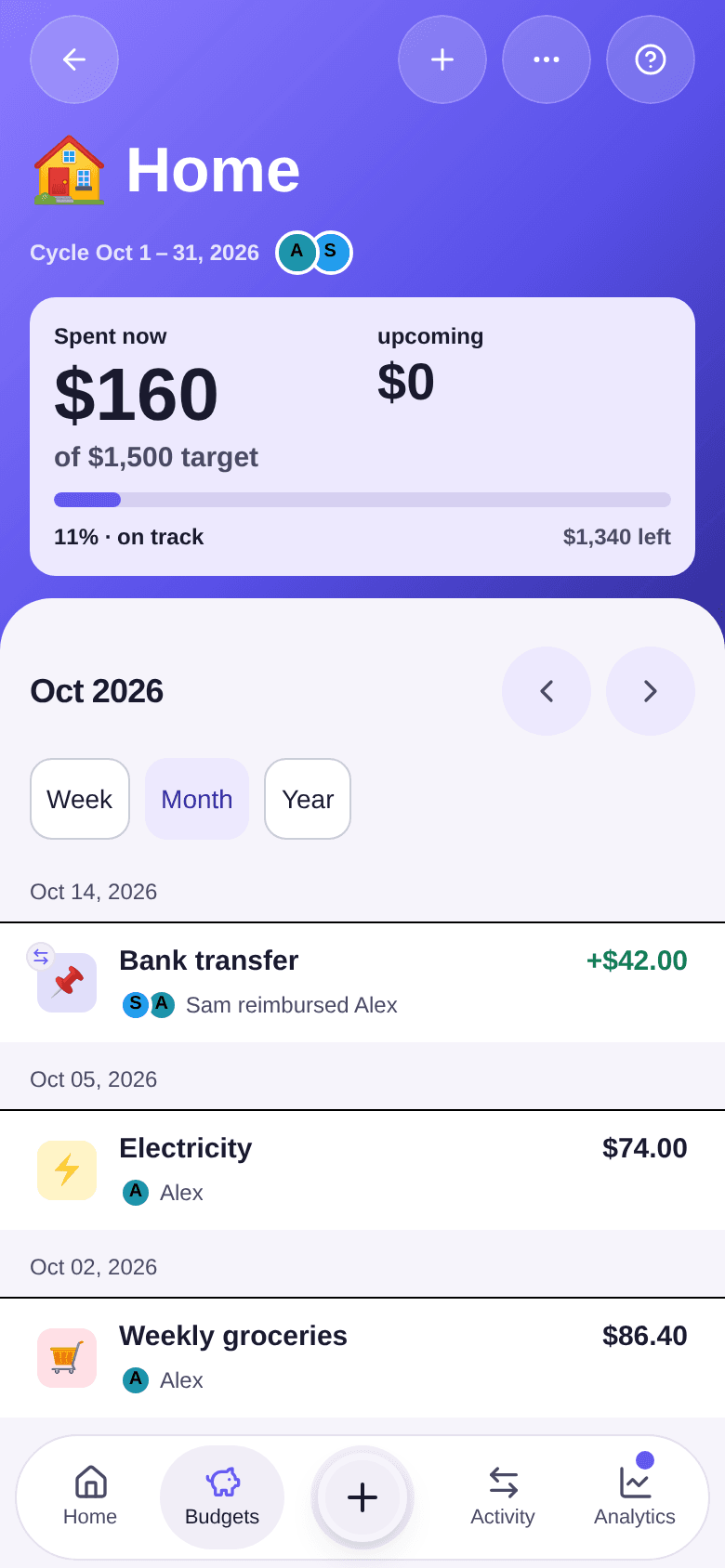
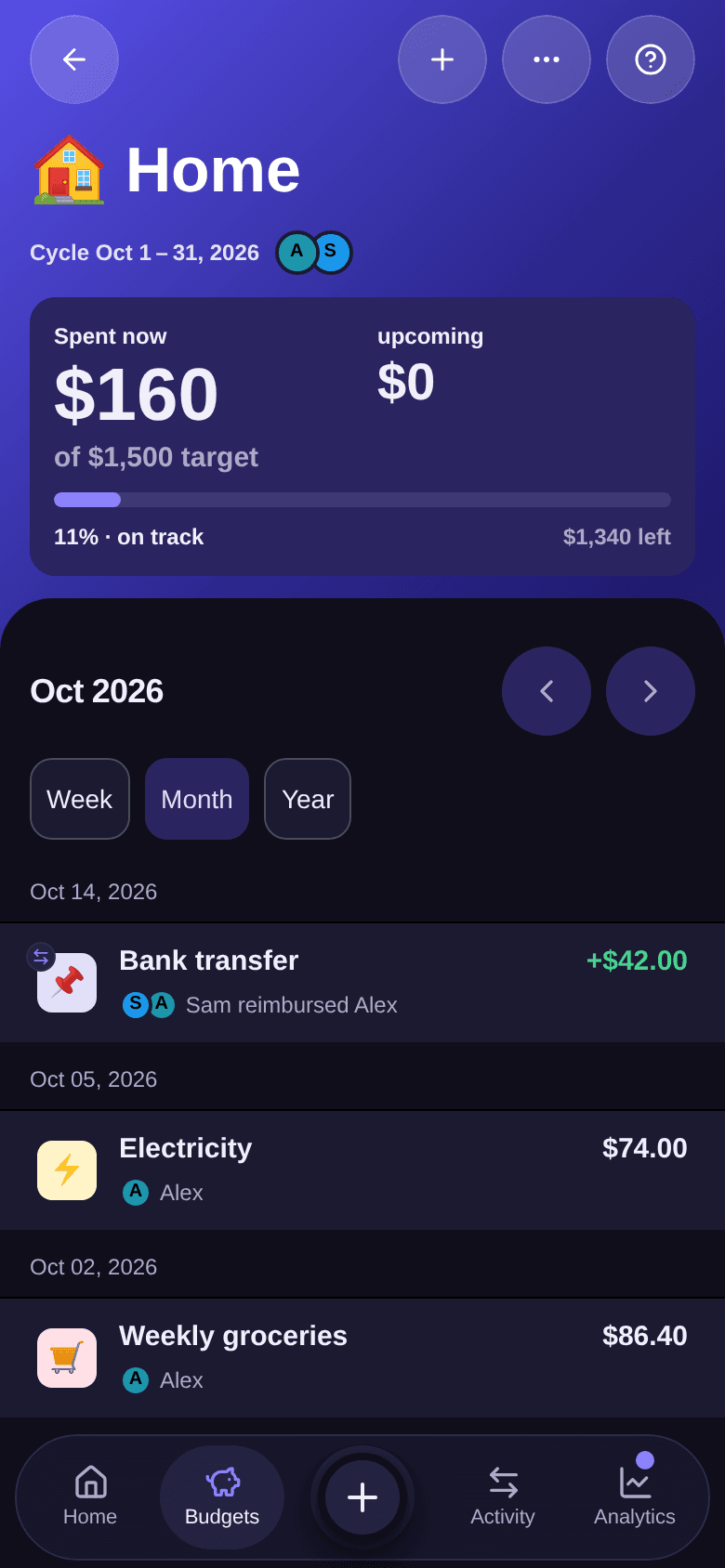
The reimbursement appears in the budget's list on its date, with its amount in green and the line “Sam reimbursed Alex”. The Home balance goes from $42 to $0, and the Debts screen updates.
Good to know
- The amount cannot exceed what is owed. Below the people, the window shows the maximum amount; anything above it is refused.
- You can pay back in instalments. If Sam owes you $42, Sam can pay $20 today and $22 later: each reimbursement reduces the balance.
- A mistake is corrected like an expense. Tap the reimbursement in the budget's list to edit or delete it.
- A reimbursement is always recorded in the budget where the debt came from. If you owe the same person money in two budgets, record a reimbursement in each.
To understand where the amounts come from, see how to read balances.