
Account and plan
How do I change my preferences?
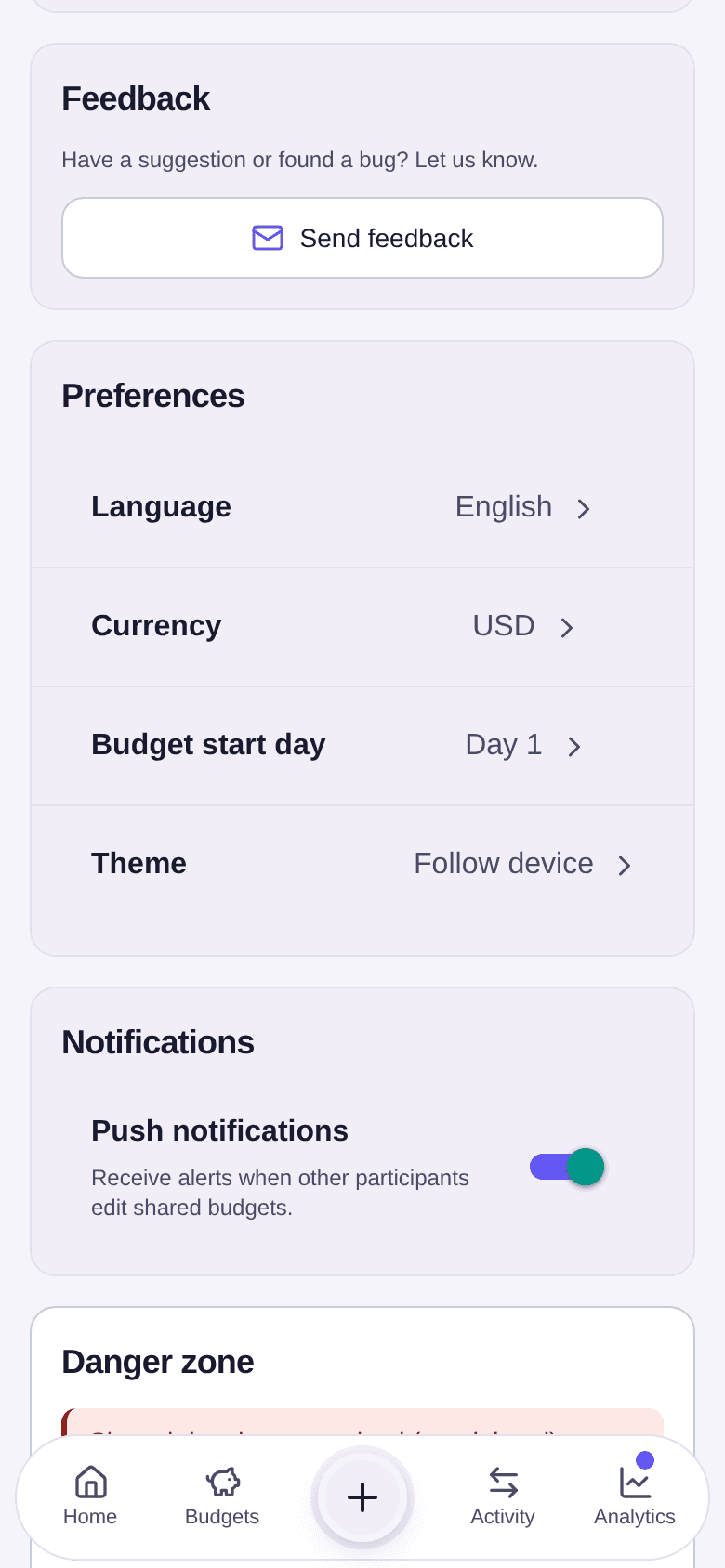
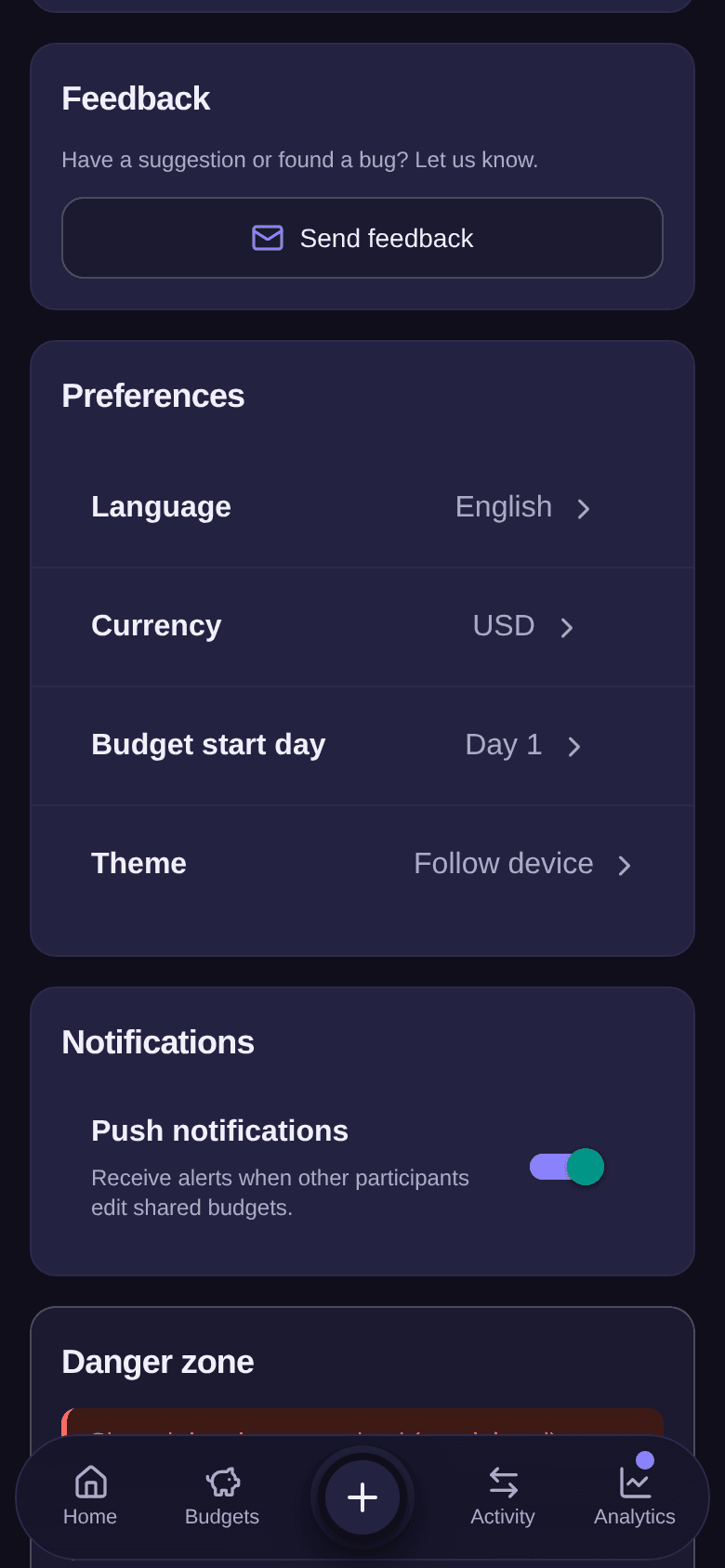
Change your name, the language, the currency, the budget start day or the theme.
Preferences set how Boney shows things to you: the language, the currency of amounts, the day each budget month starts and the theme. They live in the settings, together with your name.
Changing a preference
- On the home screen, tap the Settings button at the top right.
- Scroll down to the Preferences section.
- Tap the row to change: Language, Currency, Budget start day or Theme.
- Pick the new value in the list. It applies straight away, with no button to confirm.
Changing your name
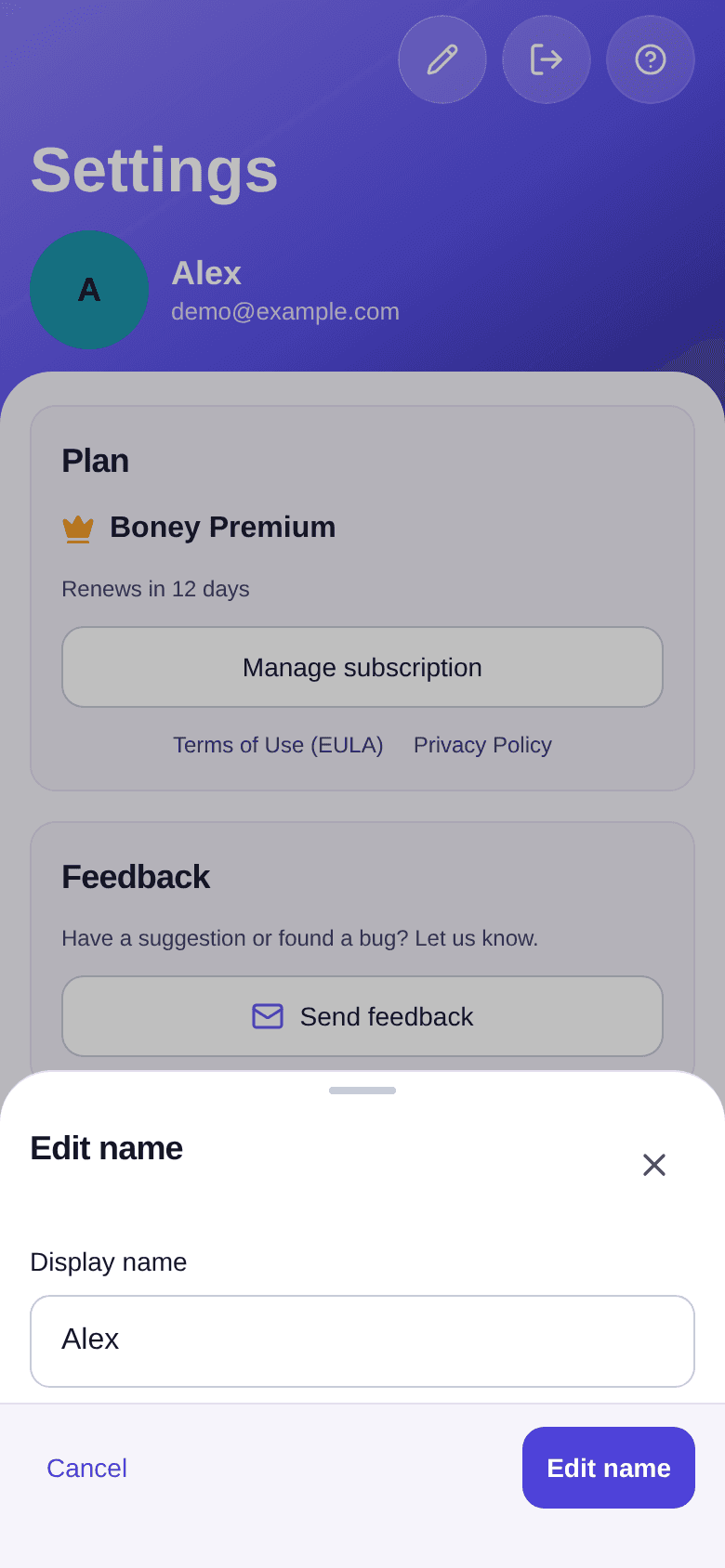
Your name is the one people you share budgets with see.
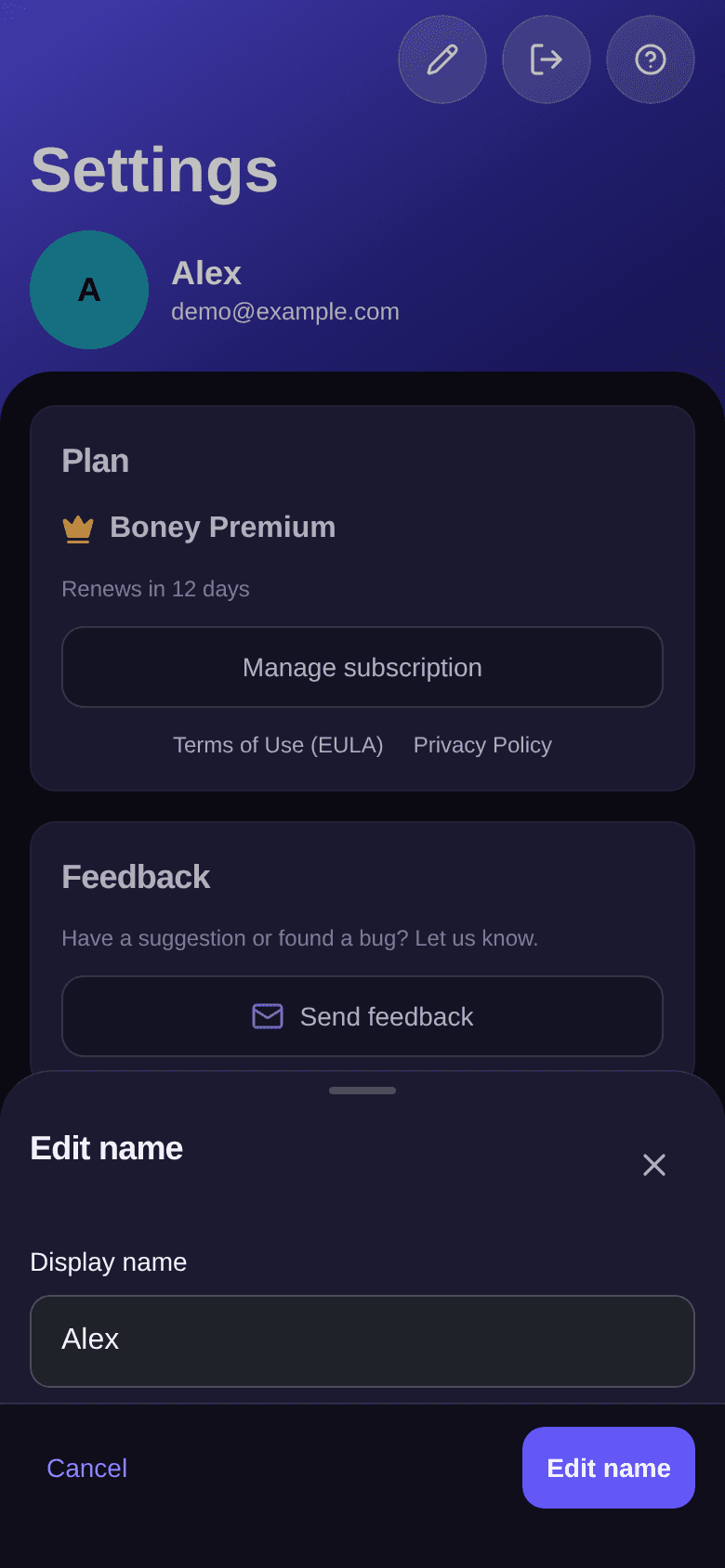
- At the top of the settings, tap the Edit name button (the pencil).
- Change the Display name field.
- Tap Edit name to save.
What each preference changes
- Language: Boney is available in English, Français, Deutsch, Italiano, Español and Português.
- Currency: only the symbol changes. Amounts already recorded are not converted: a €50 expense becomes a $50 expense.
- Budget start day: a day between 1 and 28. If your salary arrives on the 25th, choose day 25: each cycle then runs from the 25th to the 24th of the next month, and every monthly budget follows that rhythm. See how the budget cycle works.
- Theme: Follow device, Light or Dark.
Good to know
- To sign out, tap the Sign out button at the top right of the settings. Your account and your data stay intact; you find them again when you sign back in.
- To share an idea or report a problem, tap Send feedback in the Feedback section: an email opens.
- The other settings sections have their own article: notifications, the Premium plan and deleting your account.
How do I record a reimbursement?
Note that someone paid money back, so the budget's balance updates.
How do I manage notifications?
Get alerted when someone edits a shared budget, before a major expense, when you haven't recorded anything for a few days or when your monthly review is ready, and turn those alerts off.