
Create your account
Sign in to Boney with Google, Apple or a code sent by email, then answer the three setup screens.
Boney has no password. You sign in with Google, with Apple on iPhone and iPad, or with a code sent by email. Your account is created the first time you sign in: there is no separate registration.
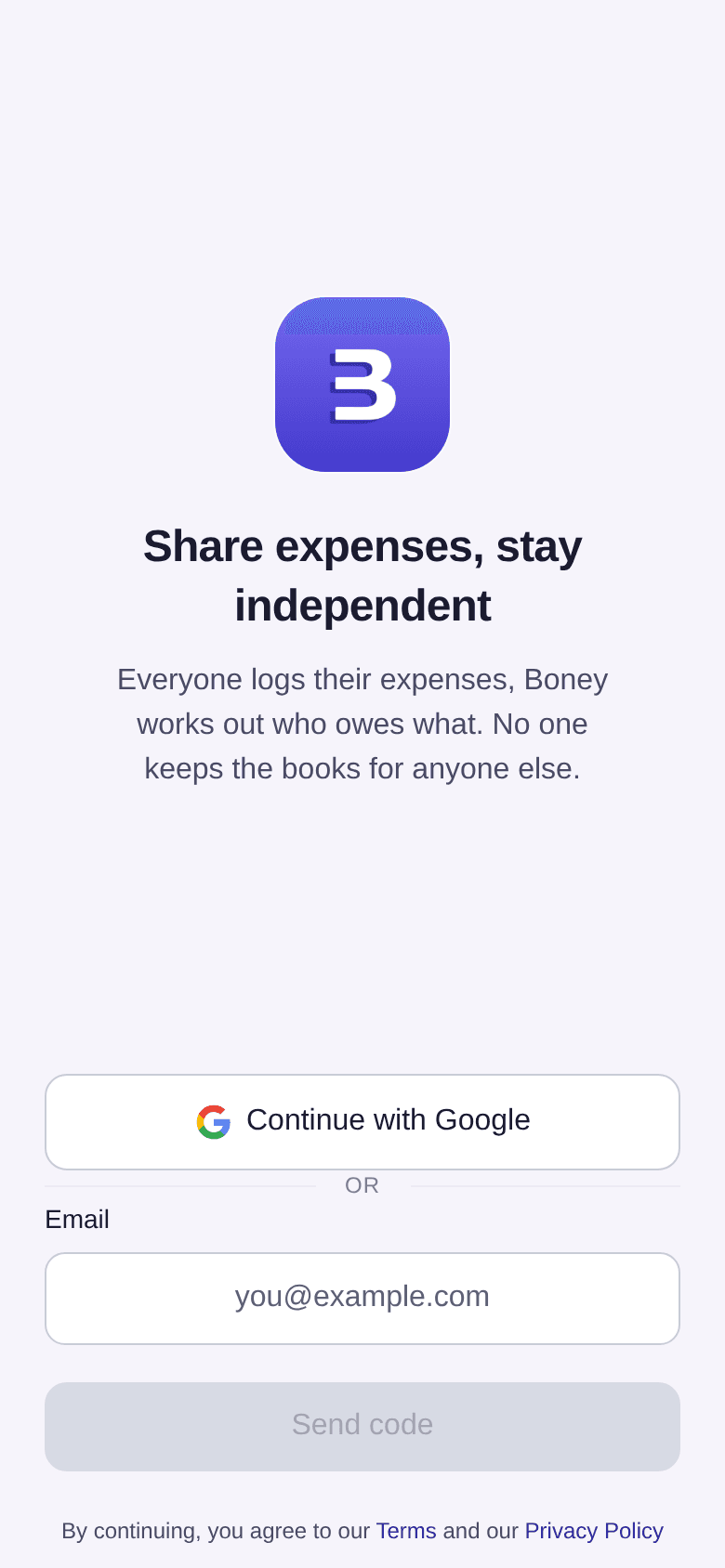
With Google or Apple
- Tap Continue with Google or Continue with Apple.
- Choose your account in the window that opens.
You then come back to Boney, already signed in. The Apple button only appears on iPhone and iPad.
With a code by email
- Type your address in the Email field.
- Tap Send code.
- Open your inbox and copy the 6-digit code.
- Tap Verify code.
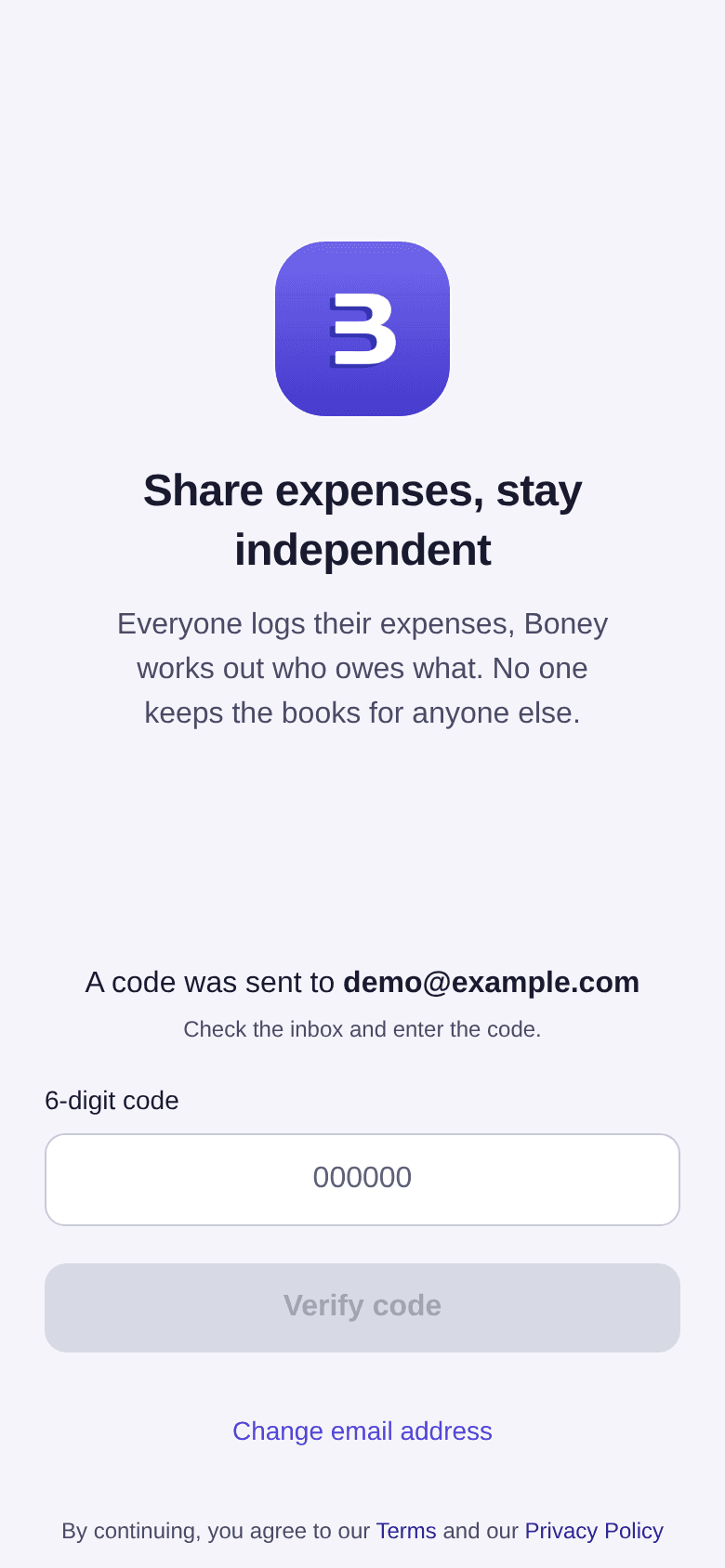
If you typed the wrong address, tap Change email address to correct it.
The three setup screens
The first time you sign in, Boney asks a few questions, only once:
- On Welcome on Boney, tap Get started.
- On Let's get to know each other, enter Your name, then check the Currency, Language and Theme. Tap Continue.
- On Create a first budget, create your budget with Create budget, or tap Skip for now.
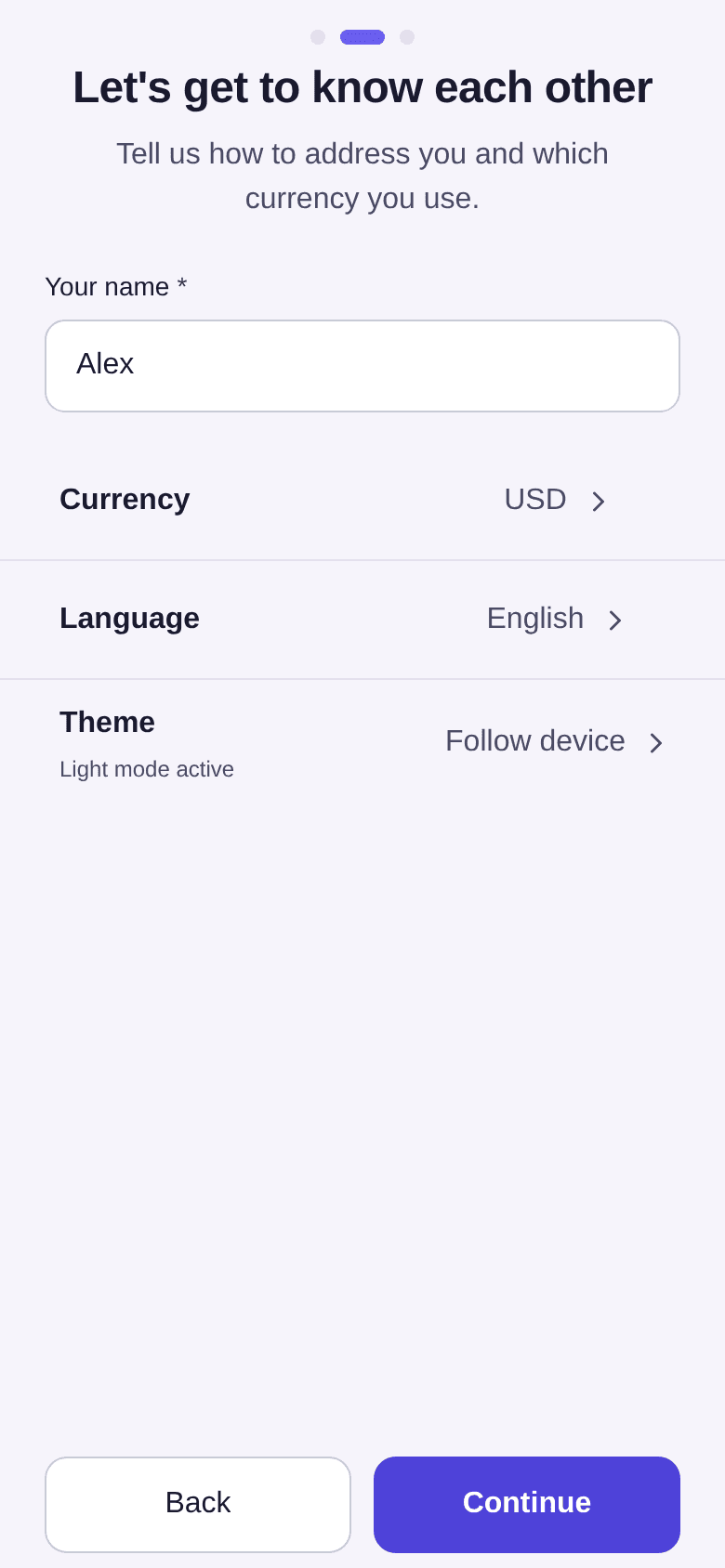
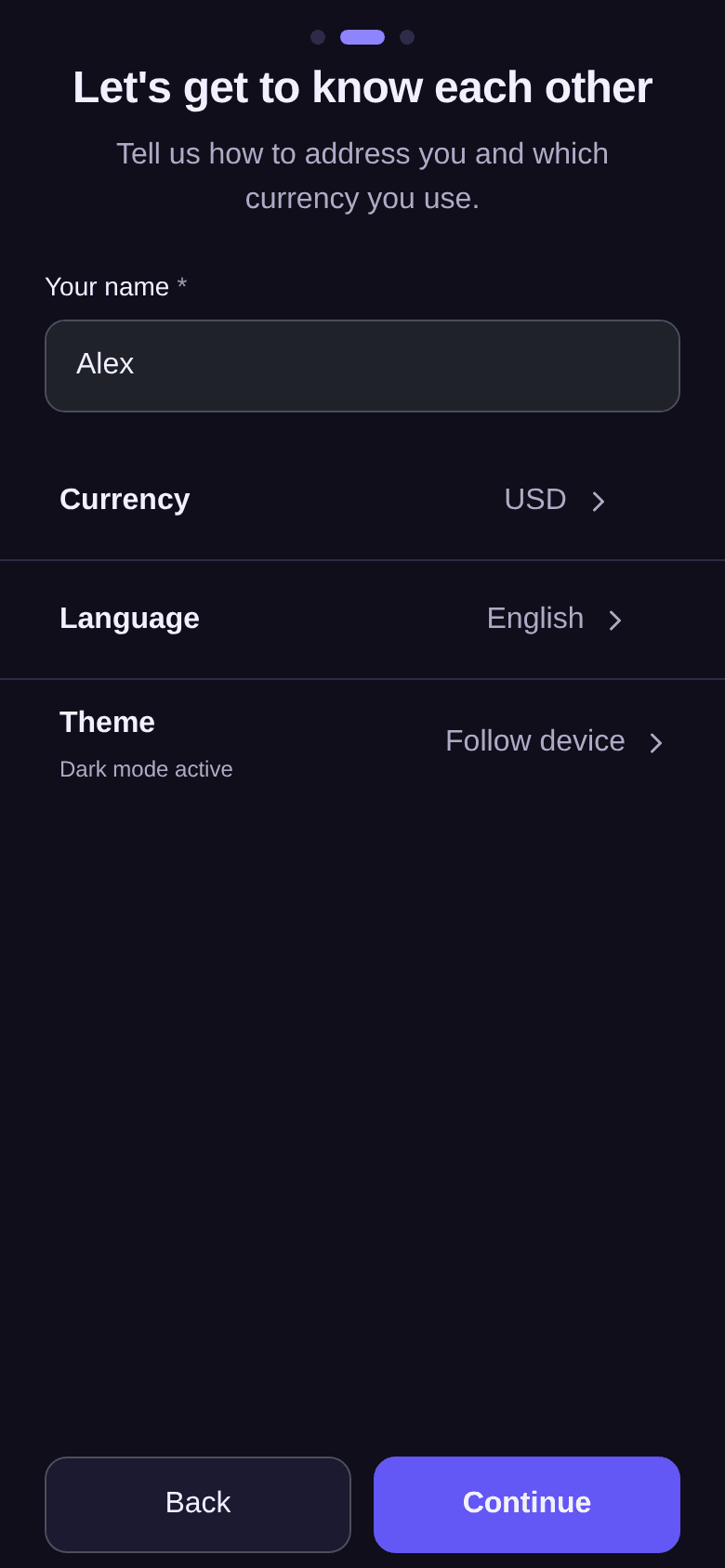
Your name is required. With Google or Apple, it is often already filled in. Currency and language can be changed later in settings: see how to set your preferences.
If someone has already invited you to a shared budget, the last screen offers to join it instead: tap Join or Refuse. See how to join a shared budget.
Good to know
- Always sign in with the same address, or the same Google or Apple account: another address opens another account, an empty one.
- If sign-in fails, an Authentication error screen appears. Tap Try again to go back to the sign-in screen, or Contact support if the problem continues.
- Once you are signed in, the home screen guides you through what comes next: see the first steps in Boney.