
How do I invite someone to a budget?
Invite a person, answer an invitation, remove a participant or leave a budget.
Inviting someone to a budget lets them add their expenses to it and see who owes what to whom. Only the budget owner, the person who created it, can invite.
Inviting
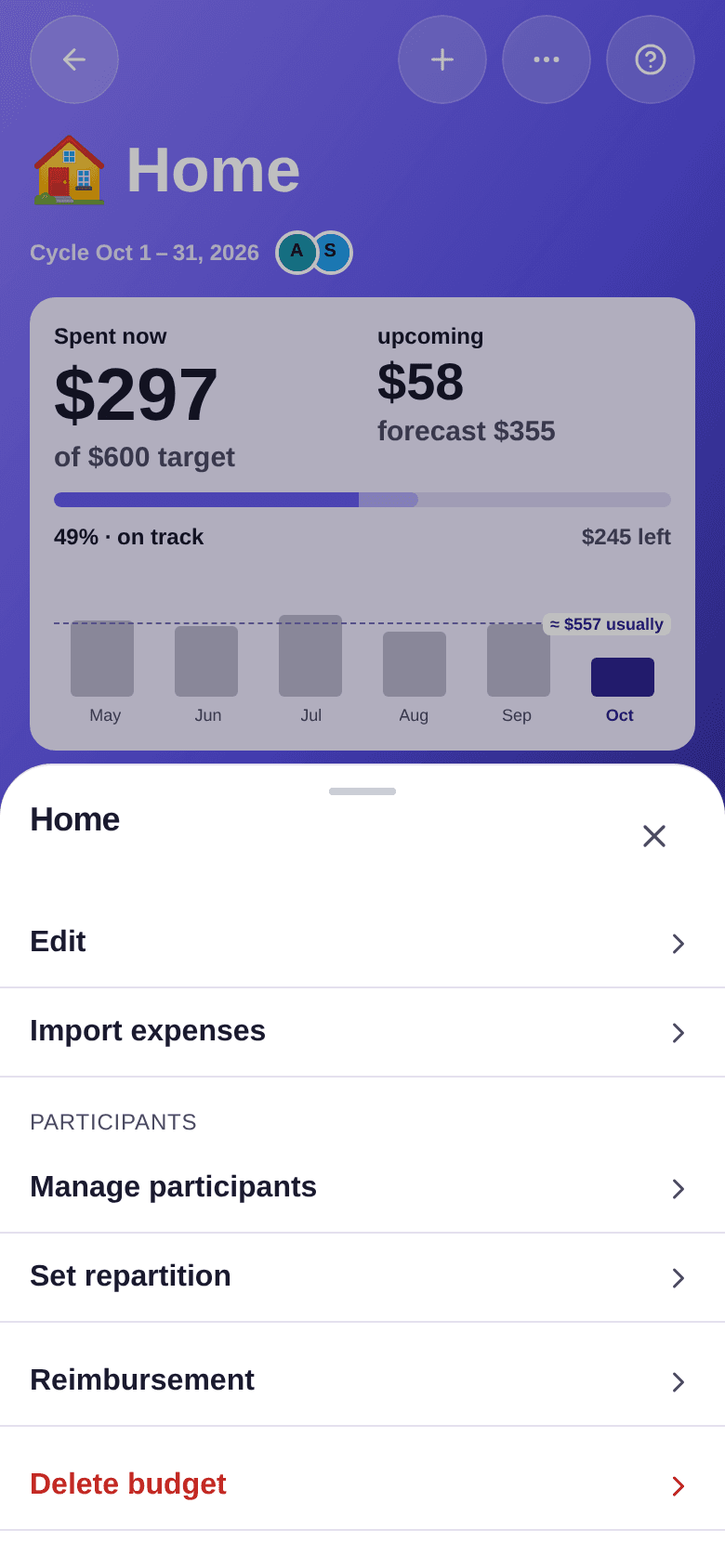
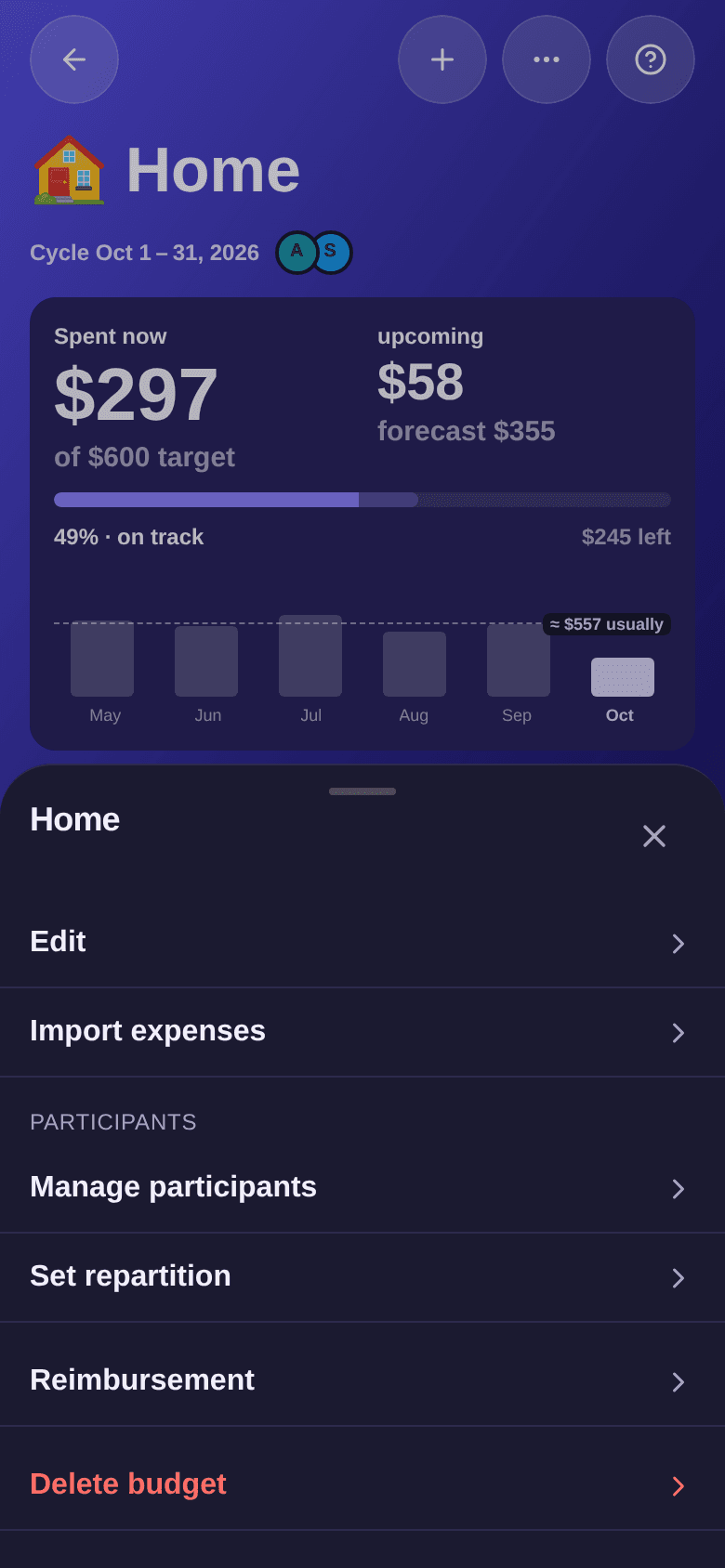
- Open the budget, then tap the … button at the top right.
- Tap Manage participants.
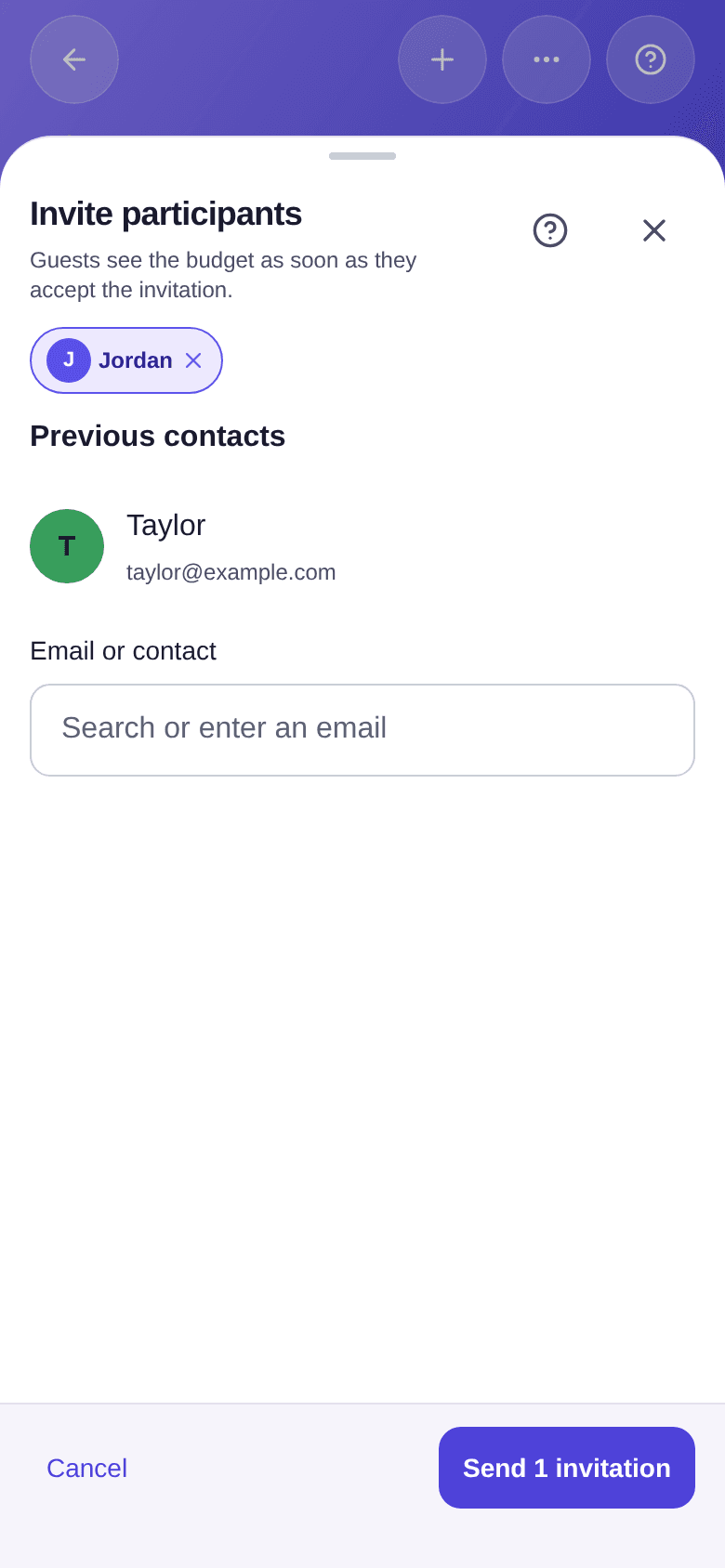
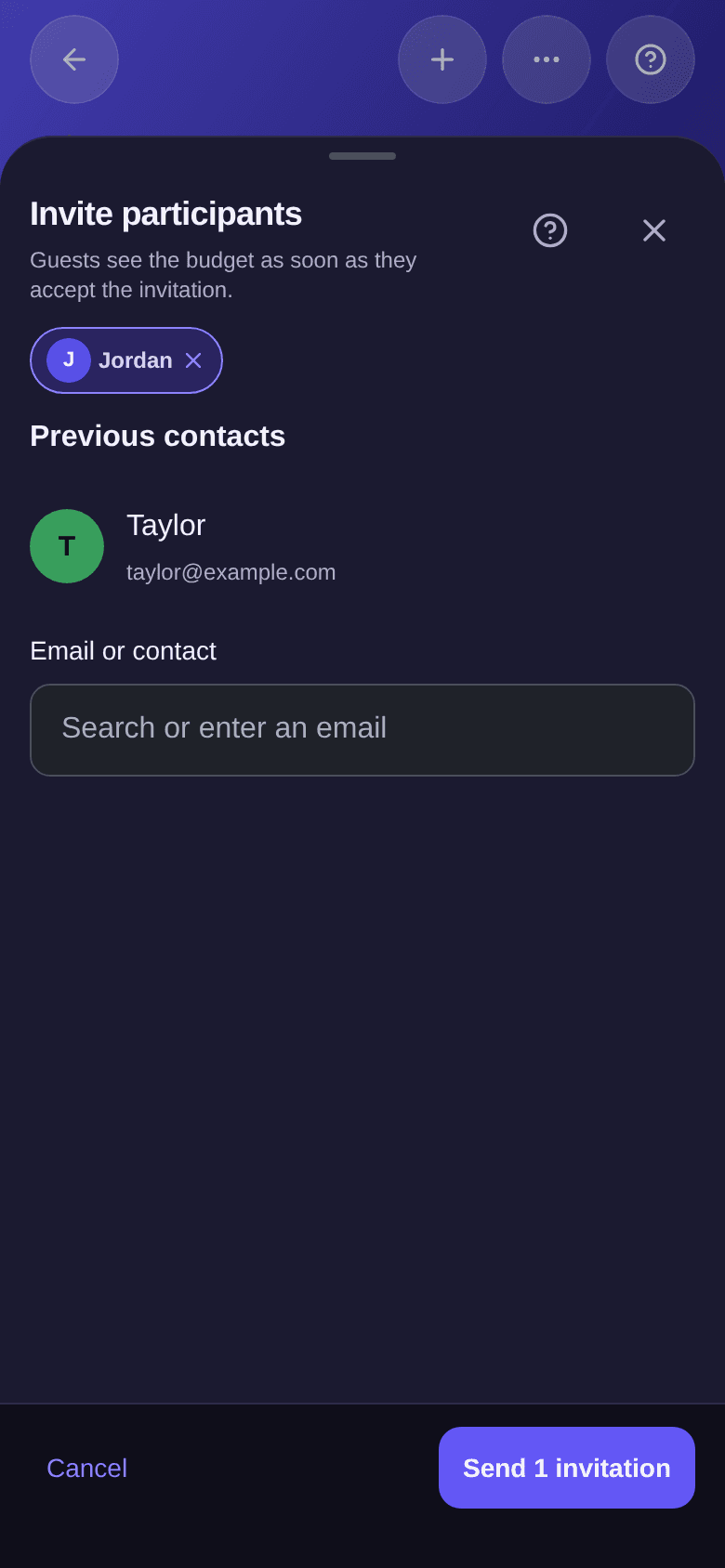
- Tap Invite a participant.
- Enter an email in Email or contact, or tap a person under Previous contacts: these are the people you have already met in your other budgets.
- Tap Send 1 invitation. You can add several people before sending.
The invited person sees the budget as soon as they accept. With each new invitation, the shares go back to an equal split between all participants, pending invitation included. If you want another split, set it afterwards — see how to set the split.
One invited person on the free plan
On the free plan, a budget welcomes one invited person besides you. Once that place is taken, Invite a participant opens the Premium offer.
Following invitations
The Participants window lists the active participants, with their role, then the Former invitees. An invitation with no answer yet reads Pending.
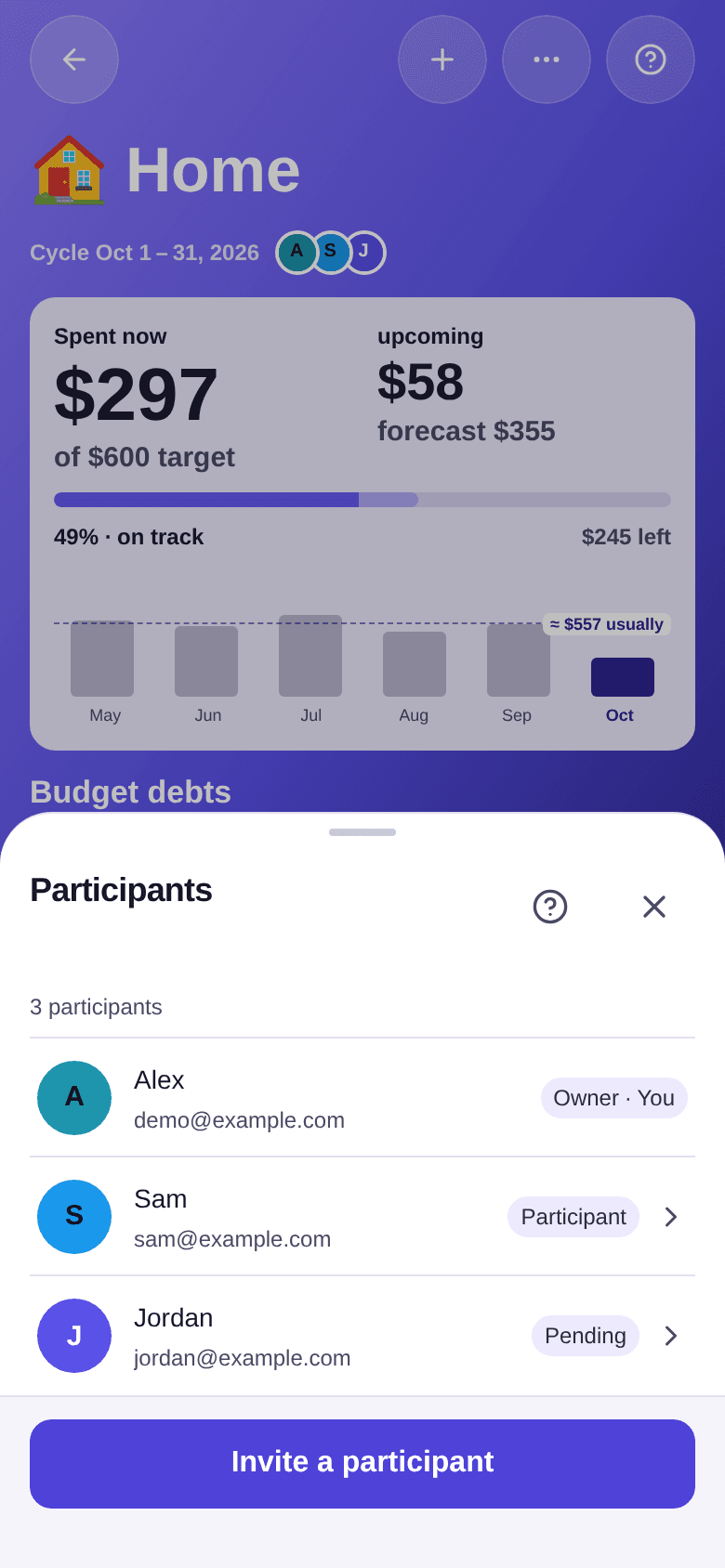
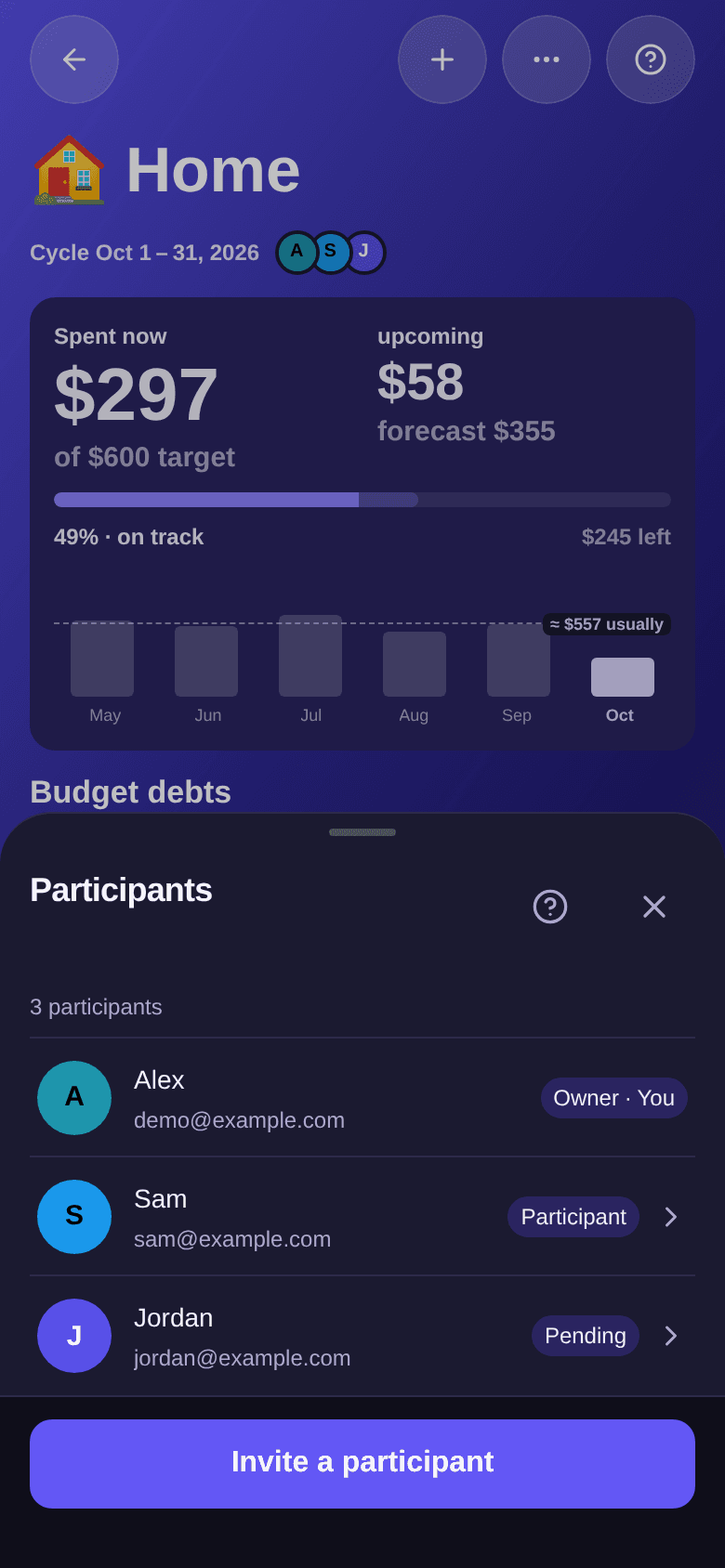
Tap a pending invitation to Edit email or Cancel invitation. You can also resend an invitation; if it is too soon, Boney asks you to wait a little. If someone declines, a red dot appears on Manage participants, and you can Reinvite them.
Answering an invitation
When someone invites you, a "Join …?" window opens when you arrive in the app.
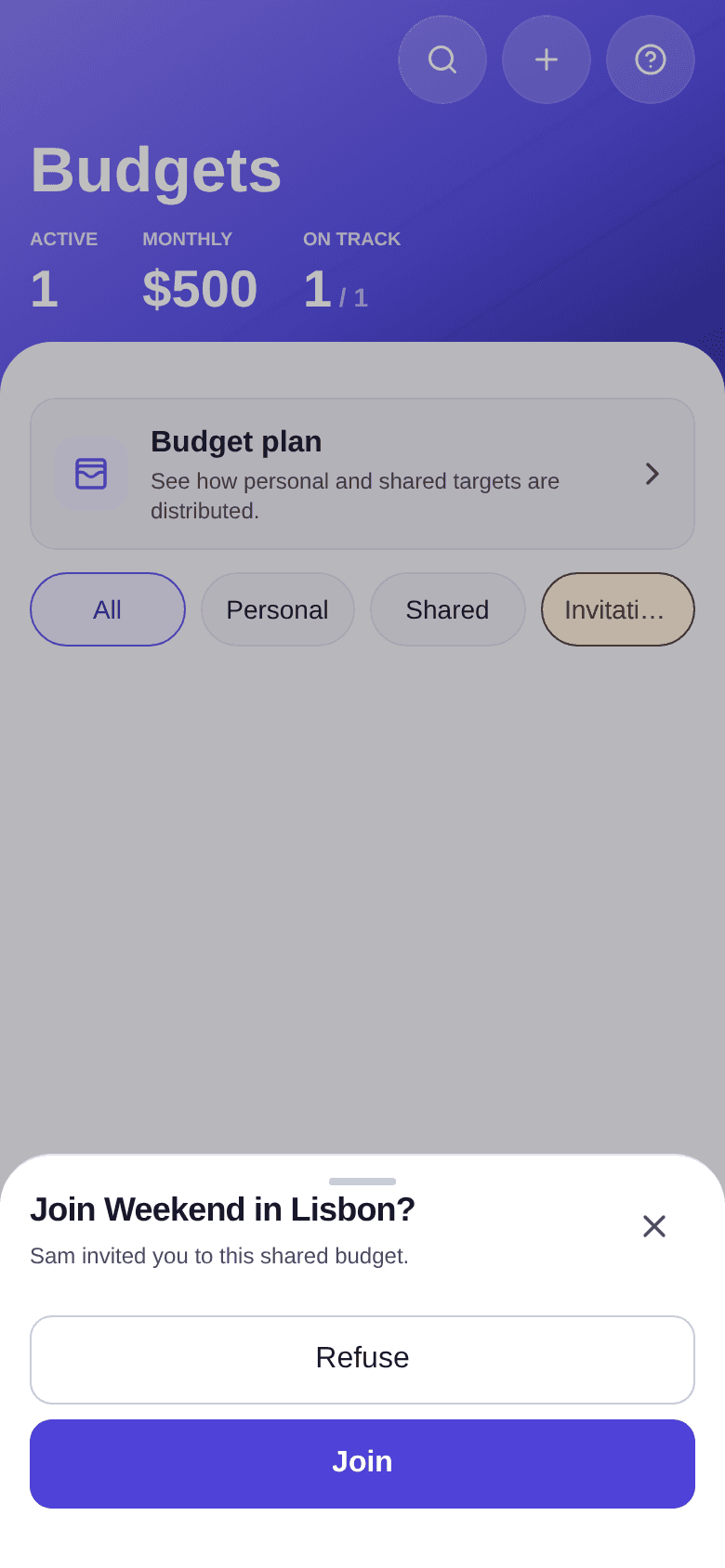
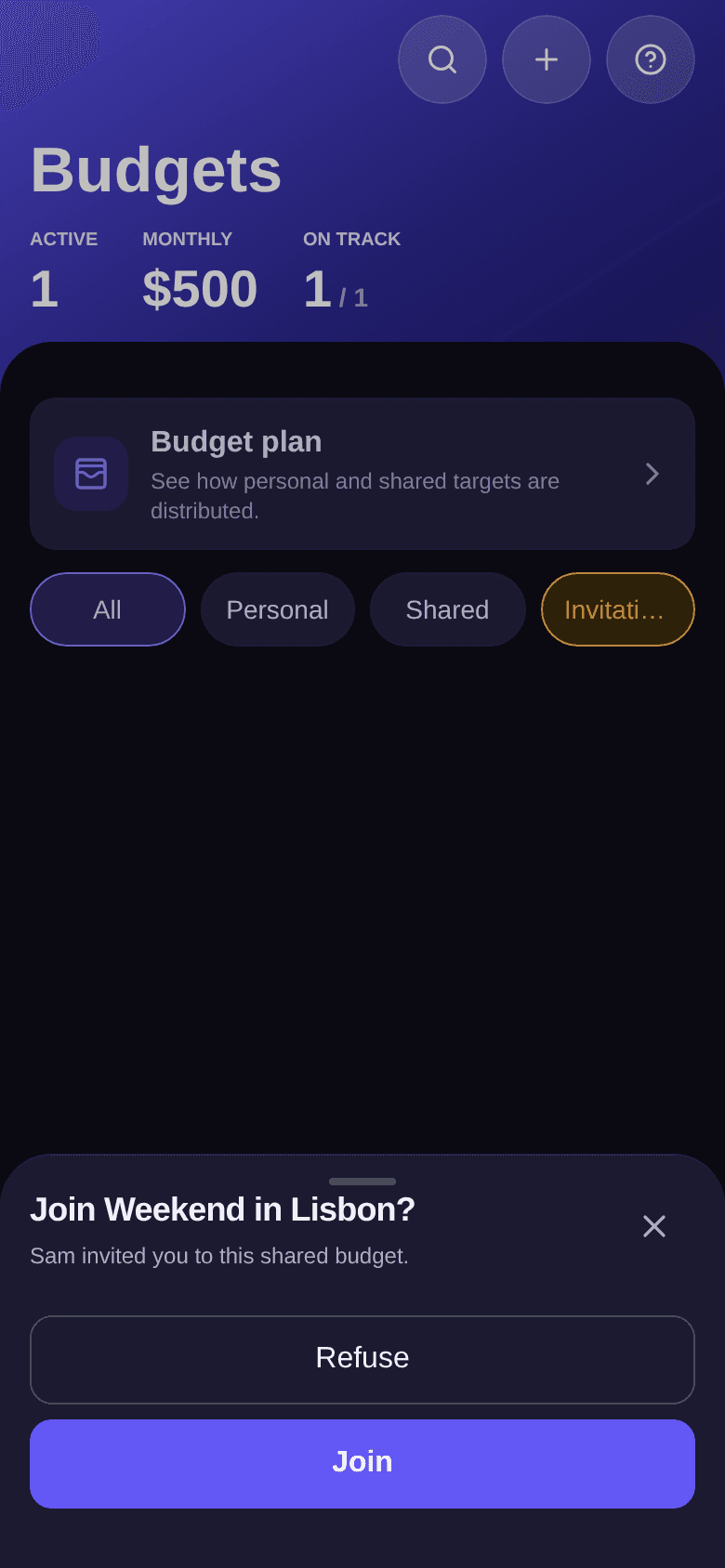
- Tap Join to get access to the budget.
- Or tap Refuse, then confirm. To join later, you will need a new invitation.
If you close the window without answering, it comes back the next time you open the app. The invitation also stays under the Invitations filter of the budget list.
Removing someone or leaving a budget
- The owner taps a participant, then Remove this participant. Their past expenses remain in the budget.
- A participant can tap their own row, then Leave budget.
In both cases, this is not possible while the person appears in at least one expense of the budget: the window shows how many expenses are still linked, and View expenses opens them so you can edit them.
Good to know
- Participants see the budget's expenses, splits and balances, never your income.
- To understand the amounts to pay back, see how to read balances.