
Where to start?
The three steps of the Start guide, in order, so the home screen shows your available amount.
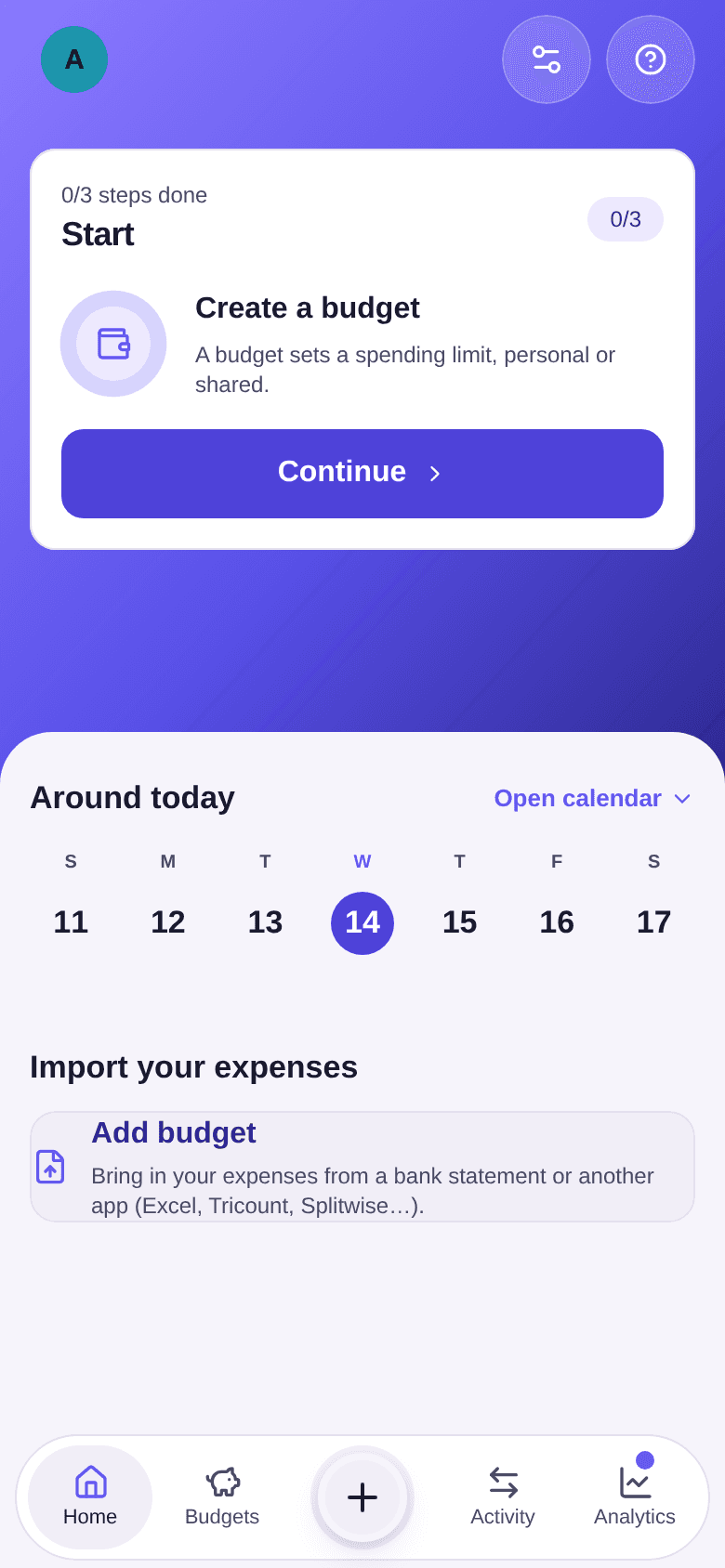
On a new account, the top of the home screen shows the Start guide in place of the available amount. It offers one step at a time: create a budget, add income, then add an expense. Each step unlocks once the previous one is done.
The steps
-
If your salary does not arrive at the start of the month, begin by setting your cycle: in Settings, choose the Budget start day, between the 1st and the 28th. Paid on the 28th? Choose 28: each cycle then runs from the 28th to the 27th of the next month.
-
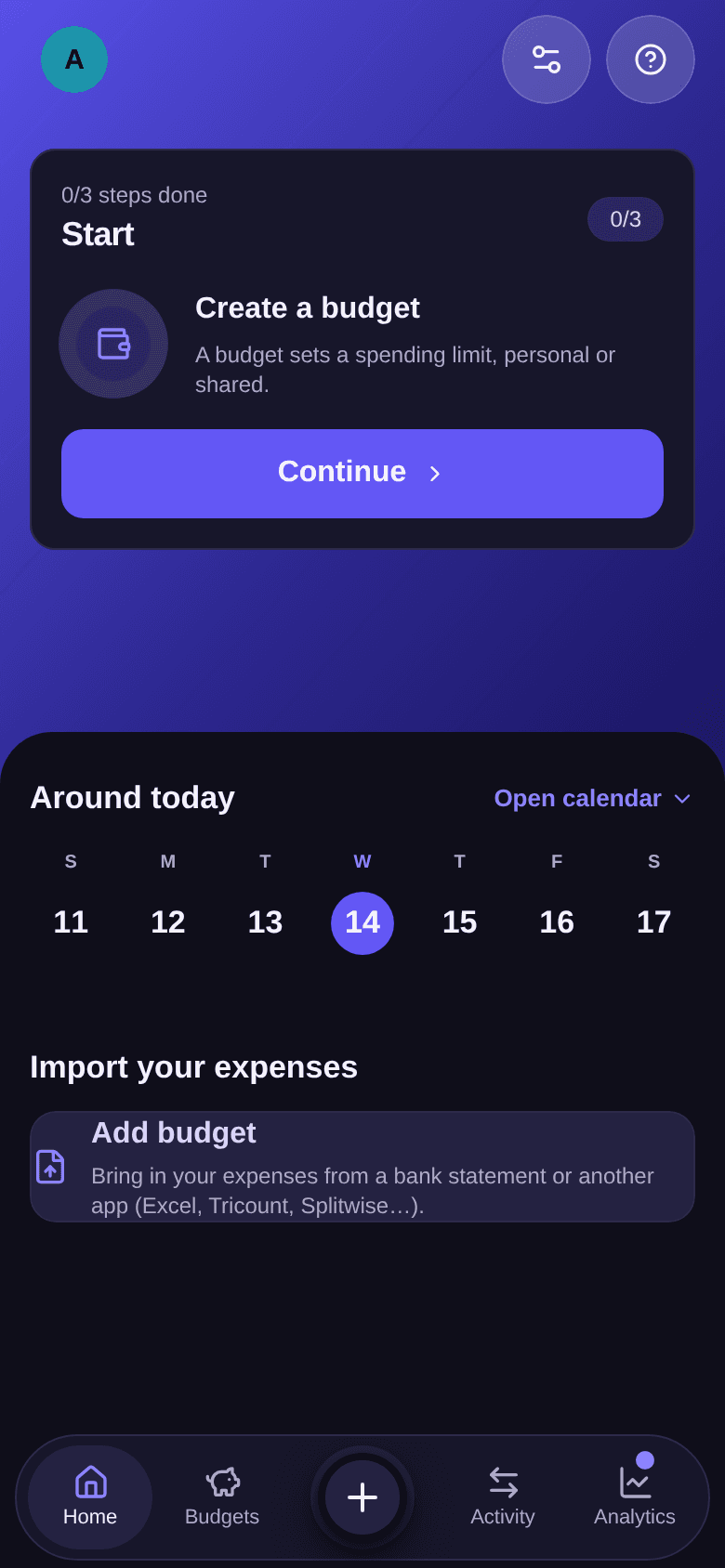
On the Create a budget step, tap Continue and create your first budget, personal or shared.
-
On the Add income step, tap Continue and record your salary or any other income for the month.
-
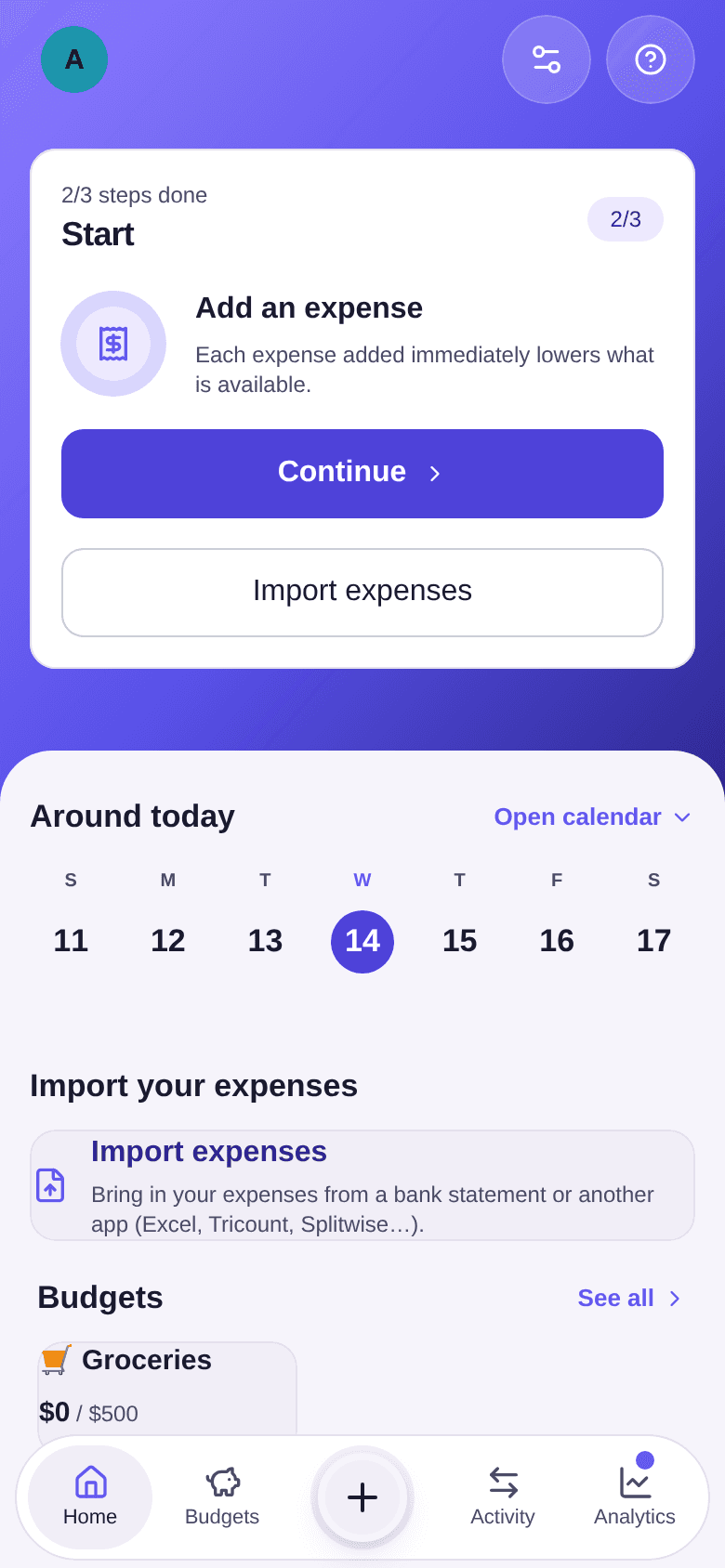
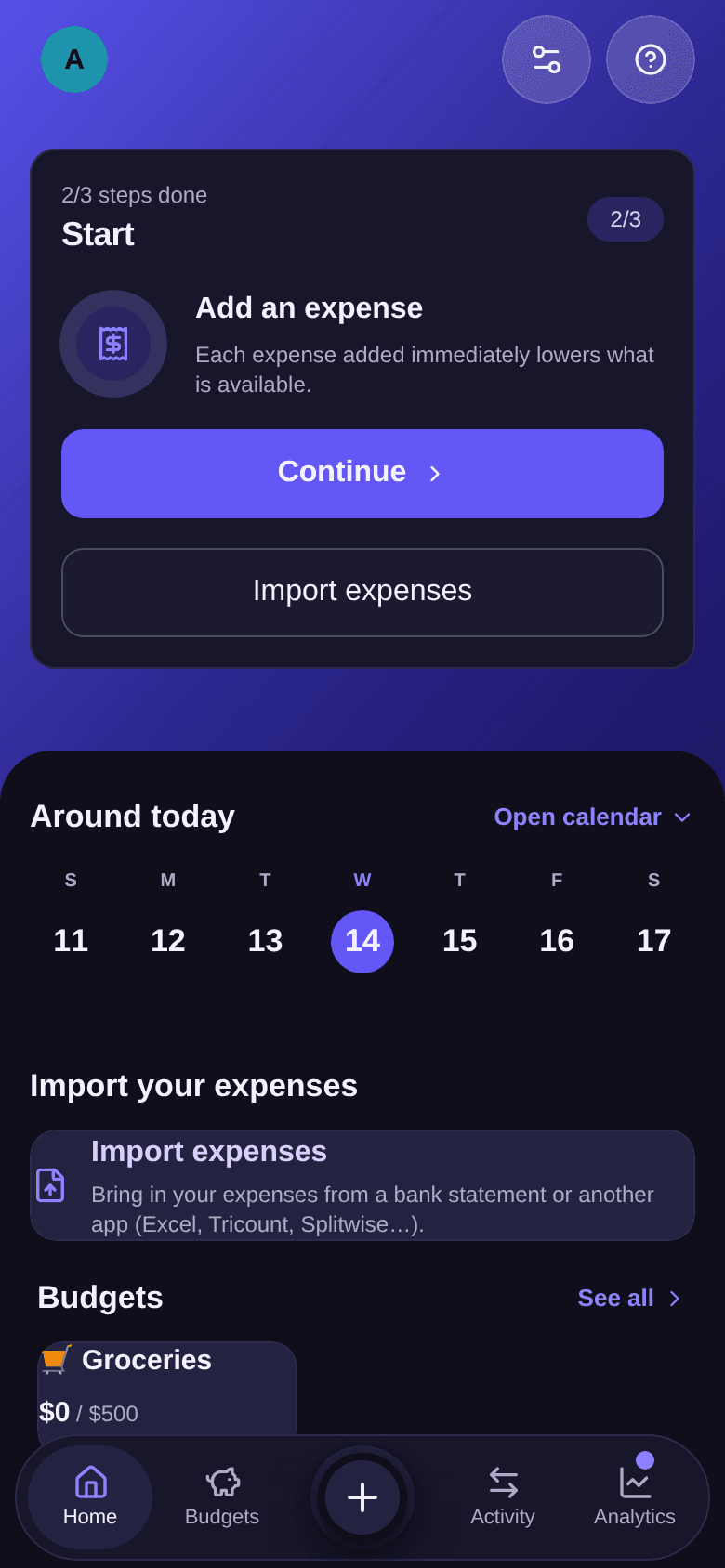
On the Add an expense step, tap Continue to enter a first expense. You can also tap Import expenses to bring in a bank statement or data from another app.
-
If your budget is shared, invite the other participants from the budget's page. See how to invite participants.
Once the budget, the income and the expense are recorded, the guide disappears and the home screen shows your available amount. See how to read the home screen.
Good to know
- Income matters: the available amount is calculated from the cycle's income. With no income recorded, the home screen only shows the total of your expenses. See how to record an income.
- The + button in the bottom bar also adds a budget, an income or an expense at any time. See how to add things quickly with the + button.
- The cycle's start day can be changed at any time. See how the budget cycle works.