
Record an income
Add a salary or any other money coming in, so Boney can work out what you have left.
Boney uses your income to work out what is available, shown at the top of the home screen. With no income recorded, the home screen only shows your expenses.
Your income stays private
An income belongs to no budget. Participants in your shared budgets do not see it.
Adding an income
- Tap the + button in the middle of the bottom bar, then Income. In the Activity tab, on the Incomes side, the + button at the top of the screen opens the same window.
- Enter the amount, then a description, for example "Salary".
- Change the Date if the income is not from today.
- For a salary, tap Recurrence, choose Month, then tap Done.
- Tap Save income.
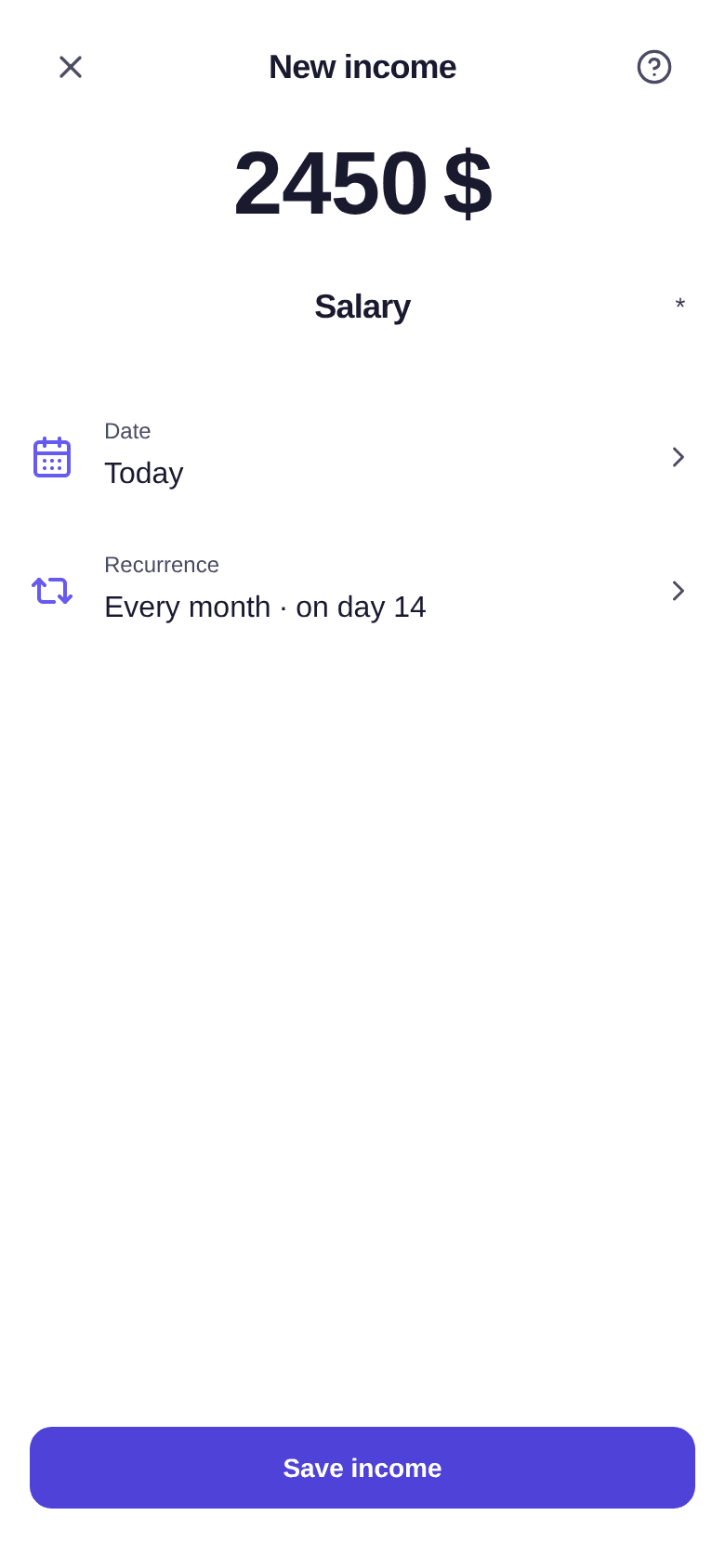
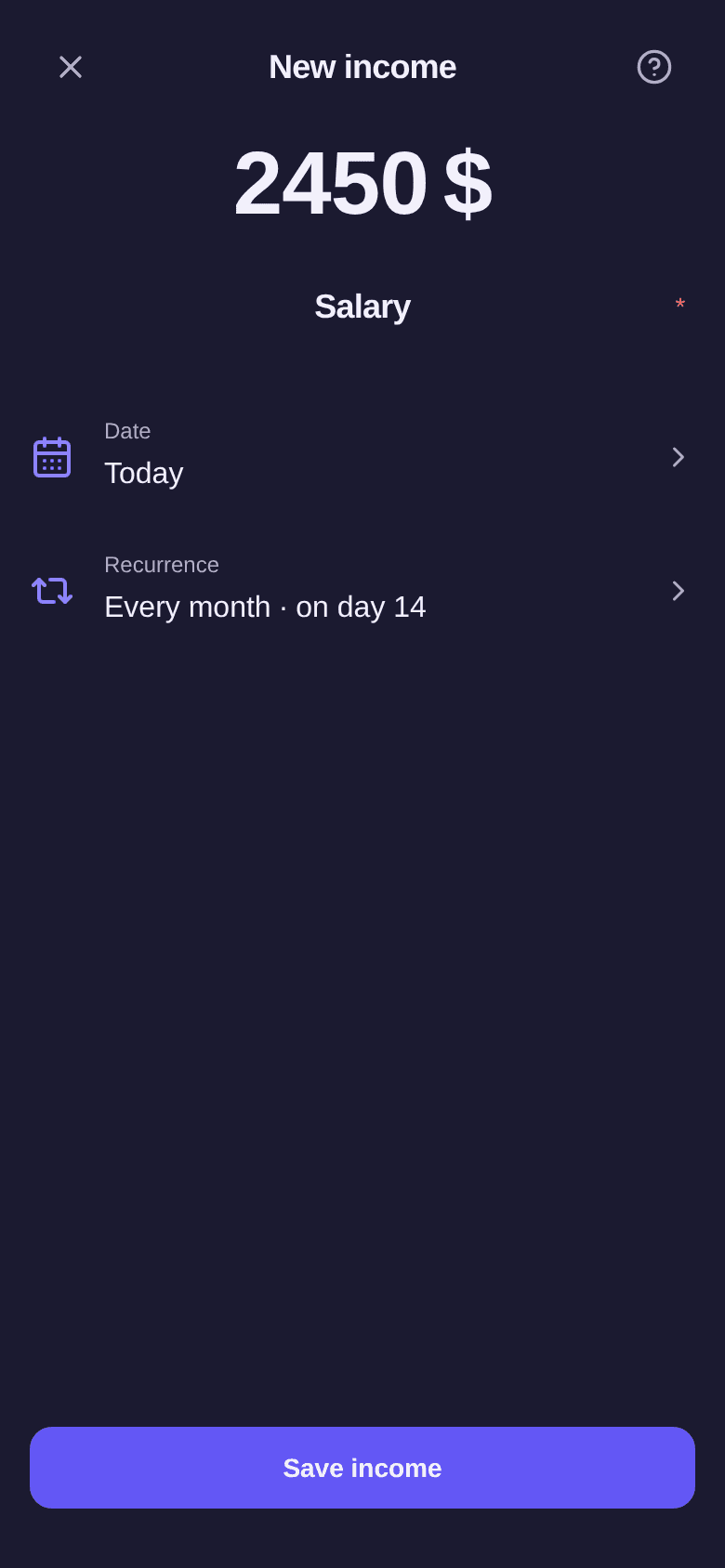
Recurrence is set the same way as for an expense: see how recurring expenses work.
Editing a recurring income
Tap the income in the Activity tab to open it. After a change, Boney asks what it applies to: Only this repetition, This repetition and later ones or All repetitions.
Example: your salary goes from $2,450 to $2,600 in March. Open March's salary, change the amount, then choose This repetition and later ones. March and the following months go to $2,600, January and February stay at $2,450.
The series is then cut into two independent parts: whatever you change later only affects the part of the income you opened. Boney reminds you in the menu, as for a recurring expense.
Deleting an income
- Open the income, or swipe its row to the left.
- Tap Delete. On a recurring income, the button is called Delete series.
- Confirm, or choose which repetitions to delete for a recurring income.
Deletion is permanent.
Good to know
- An income amount must be positive.
- The Where income goes bar on the home screen, which shows how much room your budgets' objectives take in your income, also relies on your income: see how to read the home screen.
- To find your incomes and their total, see how to track your income.