
Expenses
Scan a store receipt
Photograph a receipt and get one expense per category, to review before saving.
Premium feature
Receipt scanning is part of the Premium offer. Without a subscription, the Receipt action carries a crown and opens the Premium offer instead of the scan.
Boney reads the items on a receipt and groups them by category: one expense for groceries, another for toiletries, and so on. Nothing is saved before you confirm.
Scanning a receipt
- Tap the + button in the middle of the bottom bar, then Receipt.
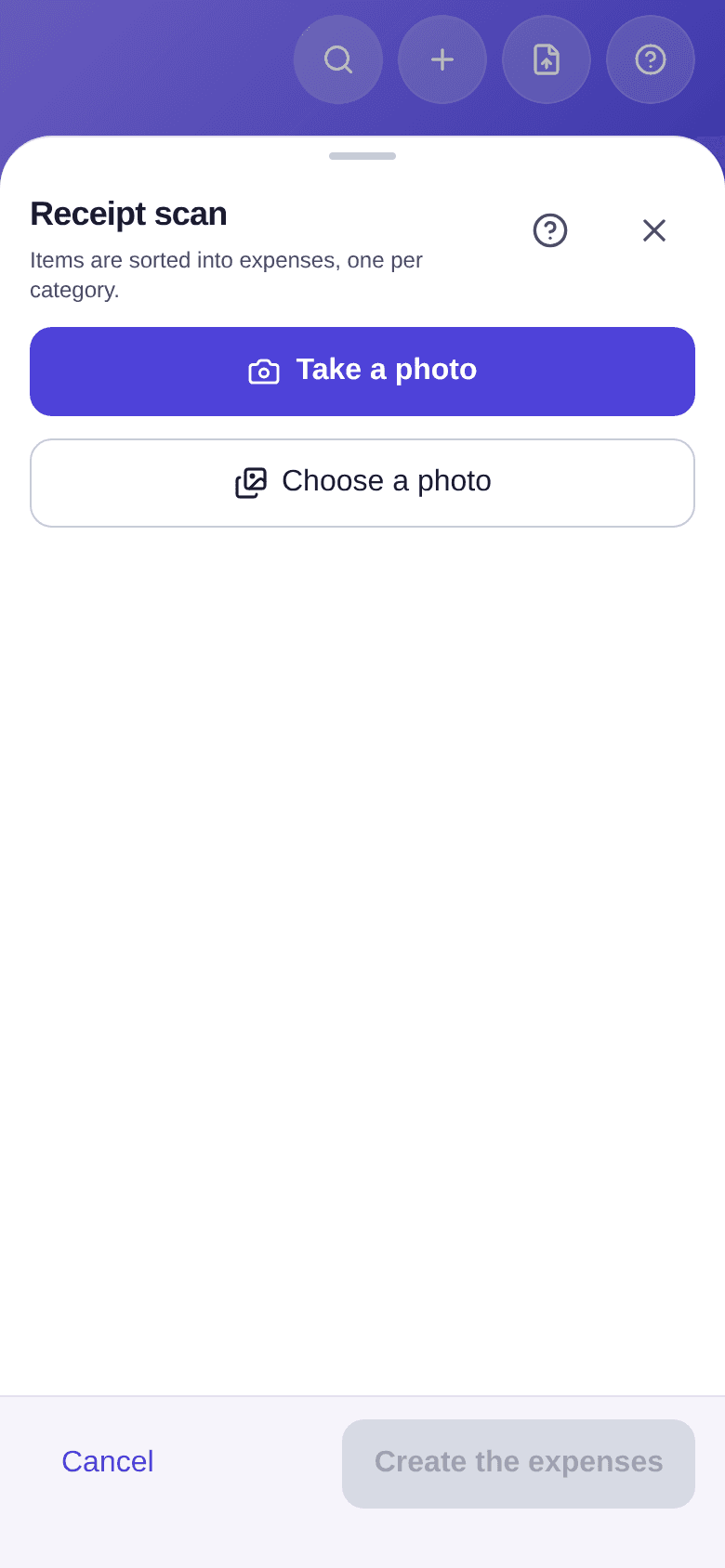
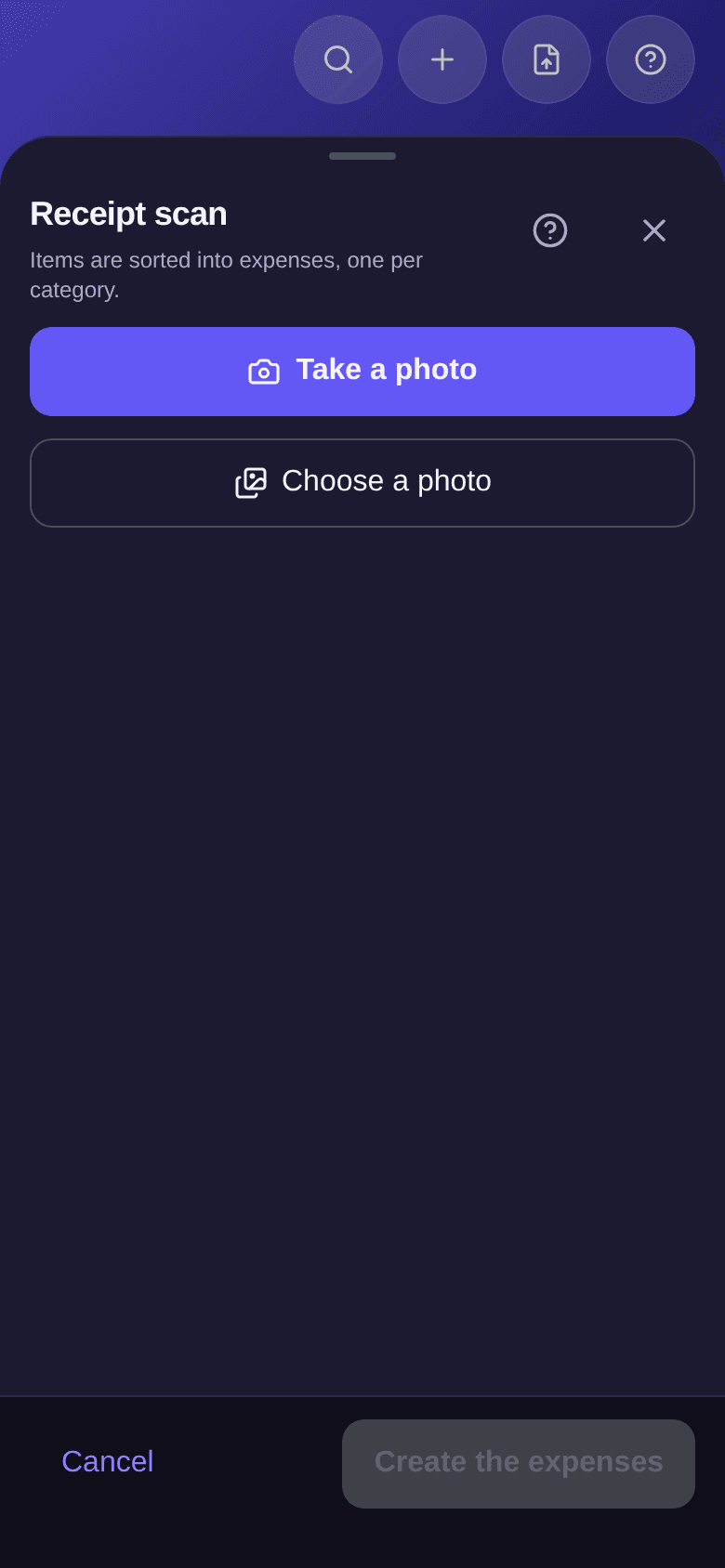
- Tap Take a photo, or Choose a photo if the receipt is already in your photos.
- Wait while it reads, which usually takes 10 to 30 seconds.
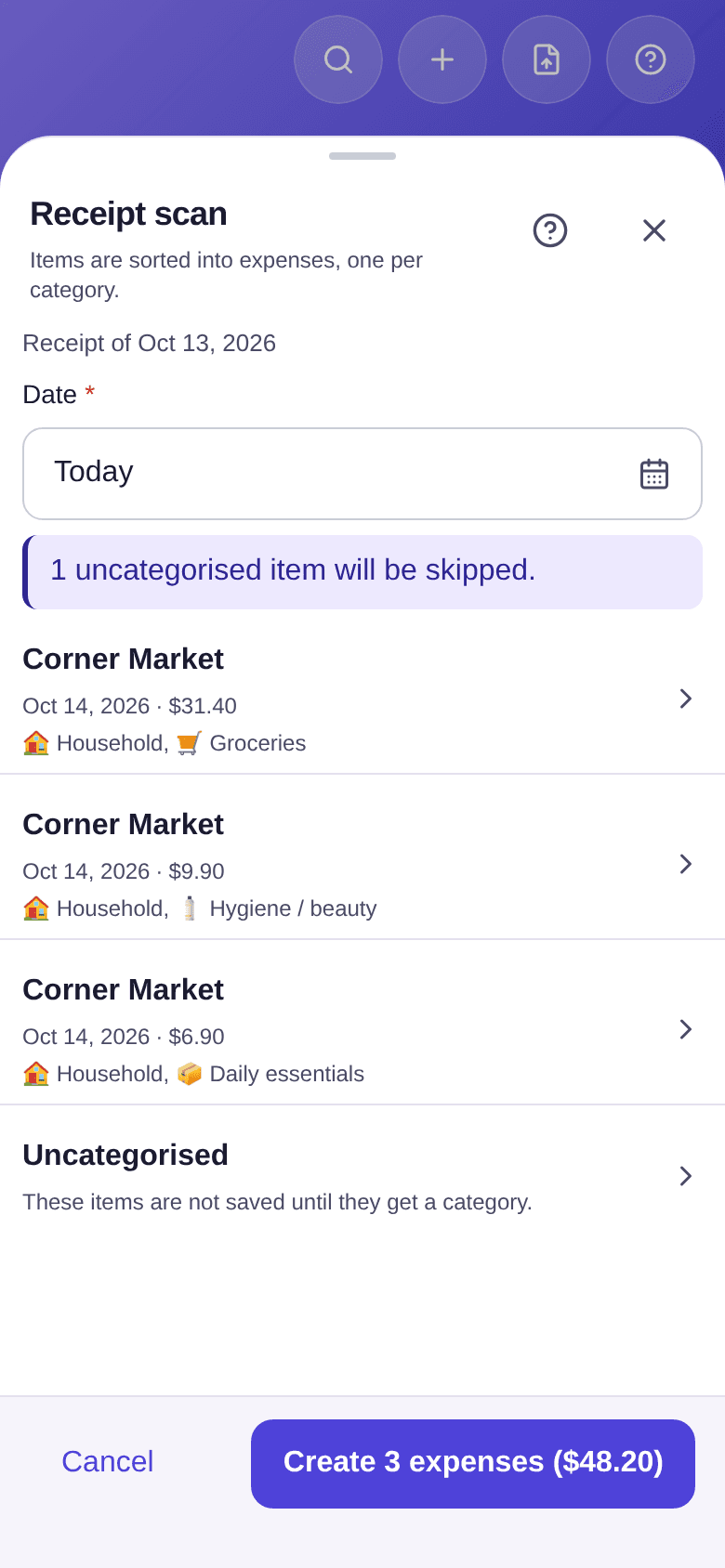
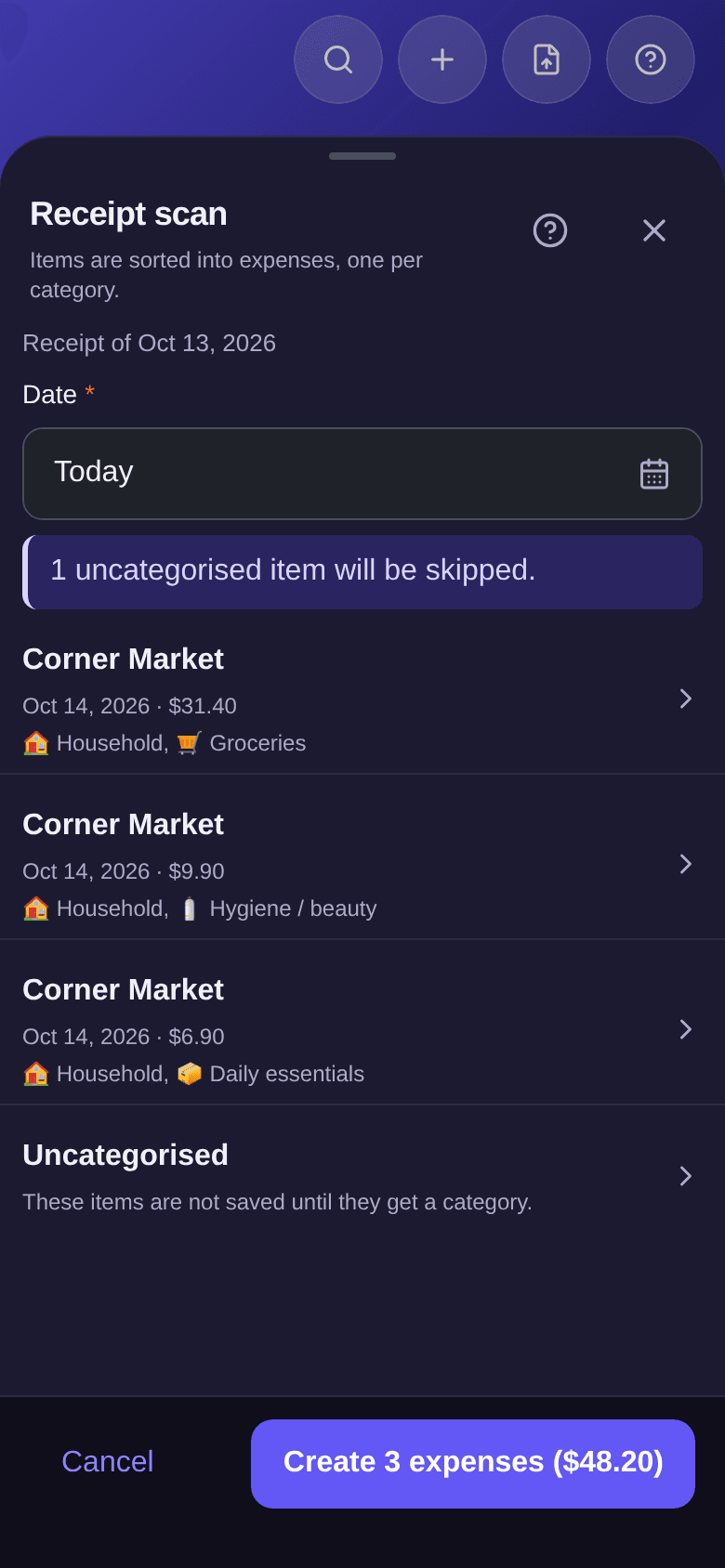
- Review the proposed expenses: each shows its budget, its category and its amount.
- Tap an expense to Correct it, or to Manage items: move an item to another expense, or remove it.
- Check the Date, which applies to every expense on the receipt.
- Tap the create button, for example Create 3 expenses ($48.20).
Good to know
- The Date starts from the day of the scan, even when the receipt shows another date. Boney recalls the date it read at the top, for example "Receipt of Oct 13, 2026". A corrected expense can get its own date.
- Items in the Uncategorised group are not saved. The screen says how many will be skipped; move them to an expense to keep them.
- The button states the total that will be saved, not the one printed on the receipt: the two differ as soon as an item is left out.
- An expense flagged Budget to choose or Zero or negative amount blocks creation until you correct it.
- When Boney did not understand everything (a total that does not match, an unreadable currency), a message says so above the expenses. Review them before creating.
- If no purchase is read, take the receipt again, flat and whole. Scanning needs an internet connection.
- For a bank statement rather than a receipt, see how to import a statement.