
Incomes
Track your income
Find your incomes in the Activity tab and read their total over your budget cycle.
Your incomes are listed in the Activity tab, on the Incomes side. They are totalled over your budget cycle, so you can see at a glance what came in during the period.
Viewing your income
- Tap Activity in the bottom bar, then Incomes.
- Choose Week, Month or Year.
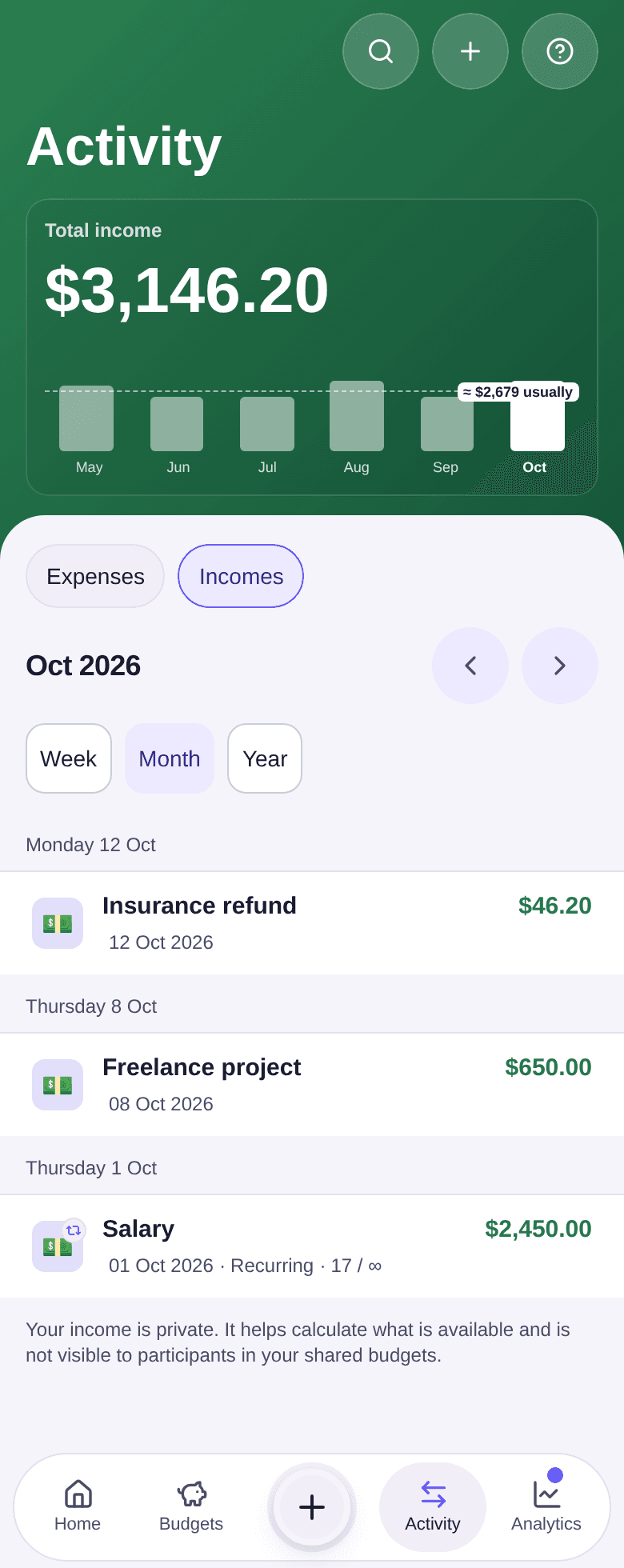
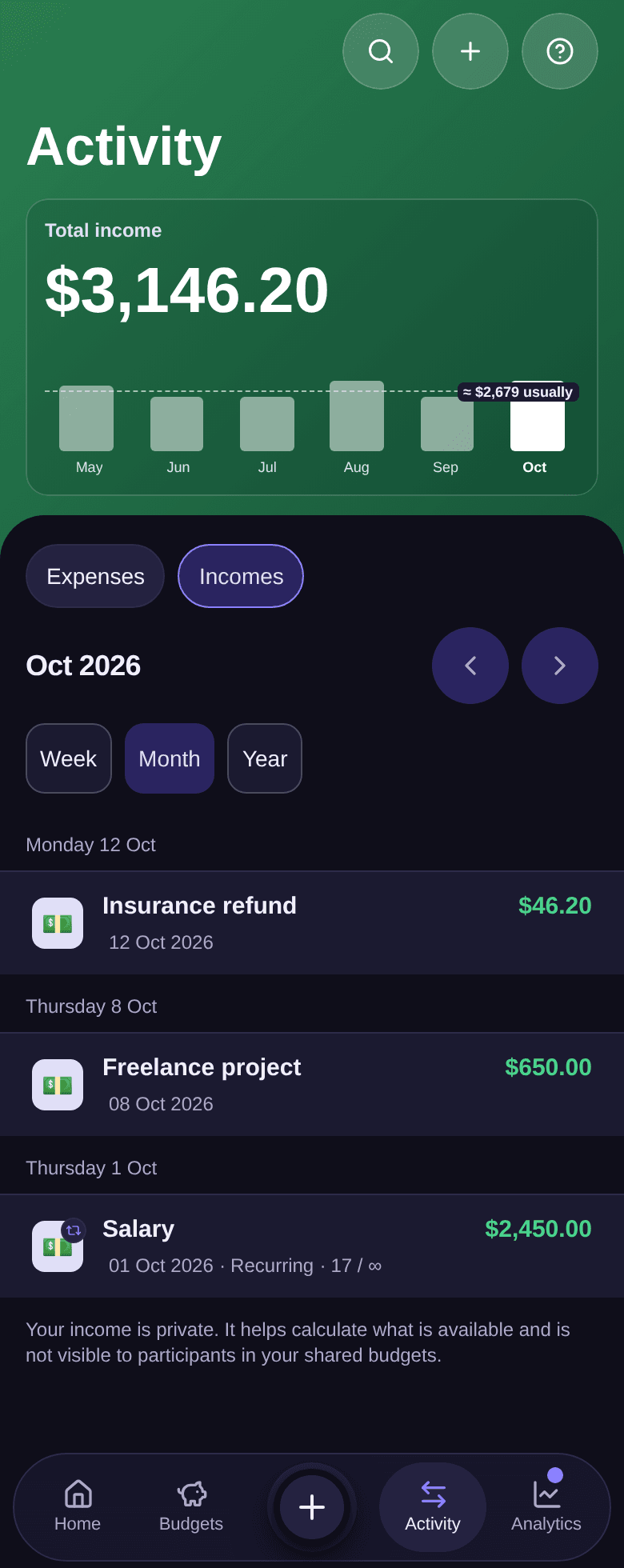
- Read the Total income for the period at the top of the screen. The bars below compare it with previous periods; tap a bar to open that period.
- Tap the arrows to go to the previous or next period.
- Tap an income to open and edit it.
How the list is organised
- For a week or a month, incomes are grouped by day. For a year, they are grouped by month.
- Months follow your budget cycle, not the calendar: with a cycle starting on the 28th, a month runs from the 28th to the 27th. A salary paid on the 28th therefore counts in the month that starts that day.
- A recurring income carries a small repeat icon and its rank in the series. In the example, "17 / ∞" means the seventeenth salary of a series with no end; "3 / 6" would mean the third payment out of six.
Good to know
- The screen reminds you: "Your income is private. It helps calculate what is available and is not visible to participants in your shared budgets."
- Tap the magnifier at the top of the screen to search for an income by its name or amount, within the period on screen.
- On a period with no income, the screen says "Nothing for" followed by the period; Back to current period takes you back to today.
- To add or edit an income, see how to record an income.