
Why doesn't my month start on the 1st?
Set the day your budget month starts, and what this setting changes in Boney.
In Boney, a "month" is a budget cycle: it starts on the day you choose, for example the day your salary arrives. Until you change anything, it starts on the 1st.
Choosing when the month starts
- On the home screen, tap the settings icon at the top right.
- Under Preferences, tap Budget start day.
- Choose a day between 1 and 28.
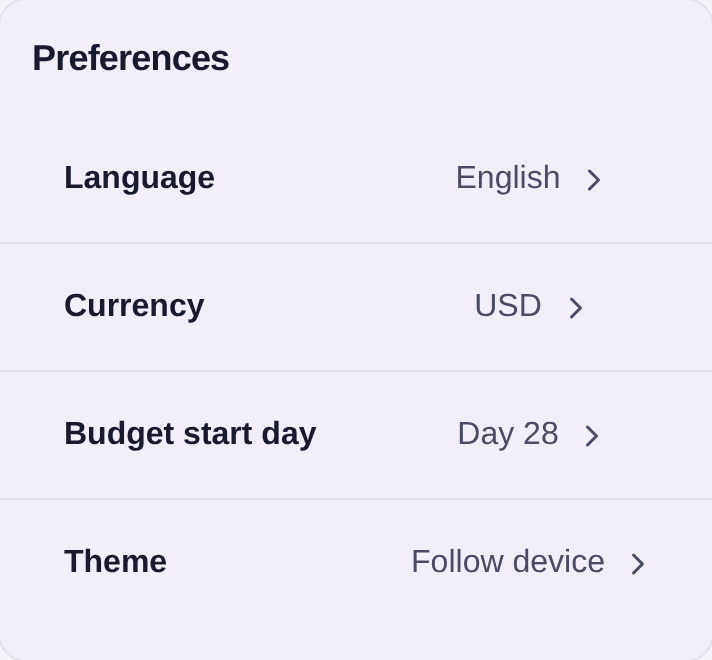
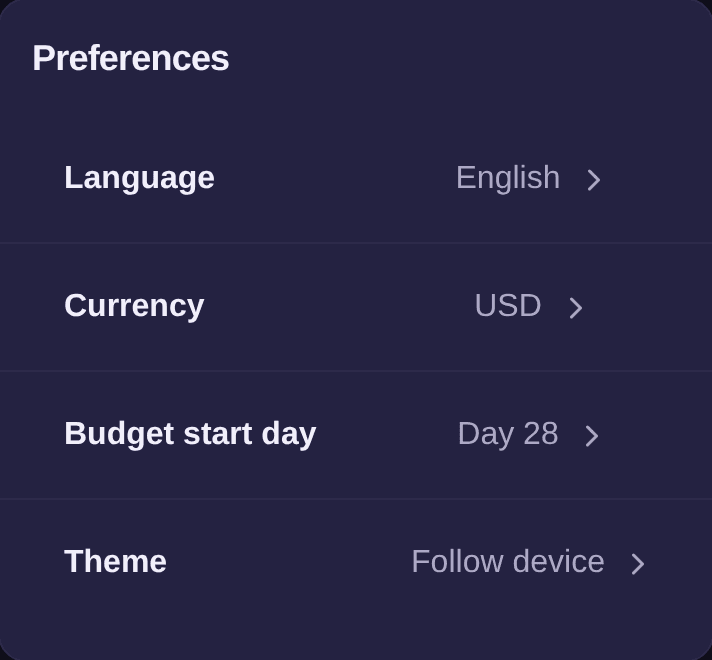
The choice stops at 28 so that every month, February included, has that day.
What it changes
Example. Your salary arrives on the 28th. With a cycle set to the 28th, each month runs from the 28th to the 27th of the next month: the salary opens the month, and the expenses it pays for fall in the same cycle. With a cycle on the 1st, every month shown would cut your salary and your expenses in two.
The cycle applies everywhere in Boney: the home screen, budgets tracked by month or year, the budget plan, incomes and reports.
A budget's period
Each budget has its own period: Week, Month or Year, chosen with its target. The Month and Year periods follow your budget cycle. The Week period follows the current week.
In a budget's detail, as in the expense and income lists, the arrows move from one period to another. In a budget, on a past period with no expense, Back to current period brings you back to the present.
Good to know
- You can change when the month starts at any time. No expense is changed: only the period limits move, and the totals are worked out again.
- For the other settings of this card, see how to set your preferences.