
Expenses
Split an expense differently
Change each person's share for a single expense, without touching the budget's split.
An expense is shared like its budget to begin with (see how to set a budget's split). When one expense is shared differently, for example a restaurant where everyone had a different dish, you change the split of that expense only.
Changing an expense's split
- In the expense window, tap Split. This row only exists on a shared budget.
- Choose how to share: Equally, By shares, Custom or Amounts (see the example below).
- Adjust each person's value. Each person's amount updates next to their name, and the Preview line shows the total entered.
- Tap Done. Under Split, the expense window shows what everyone owes.
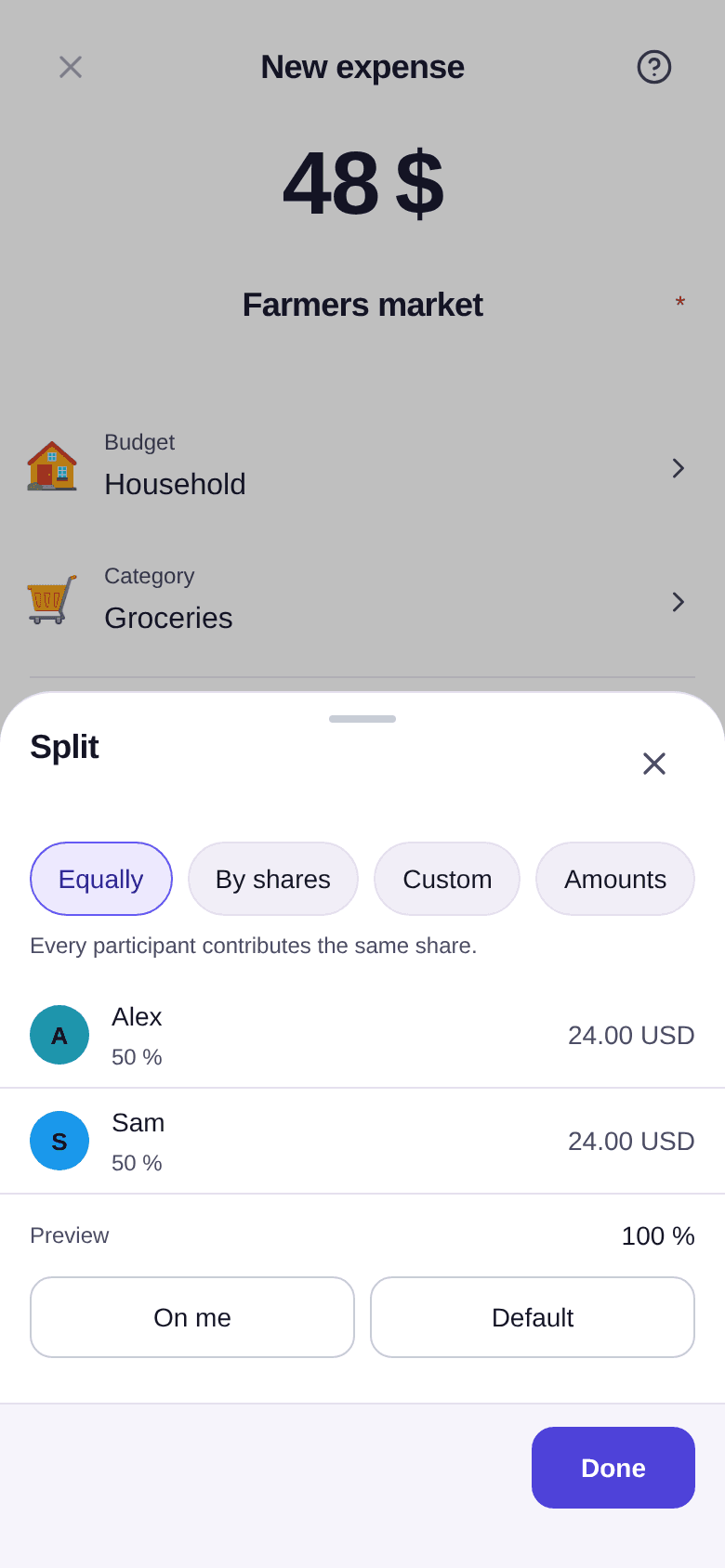
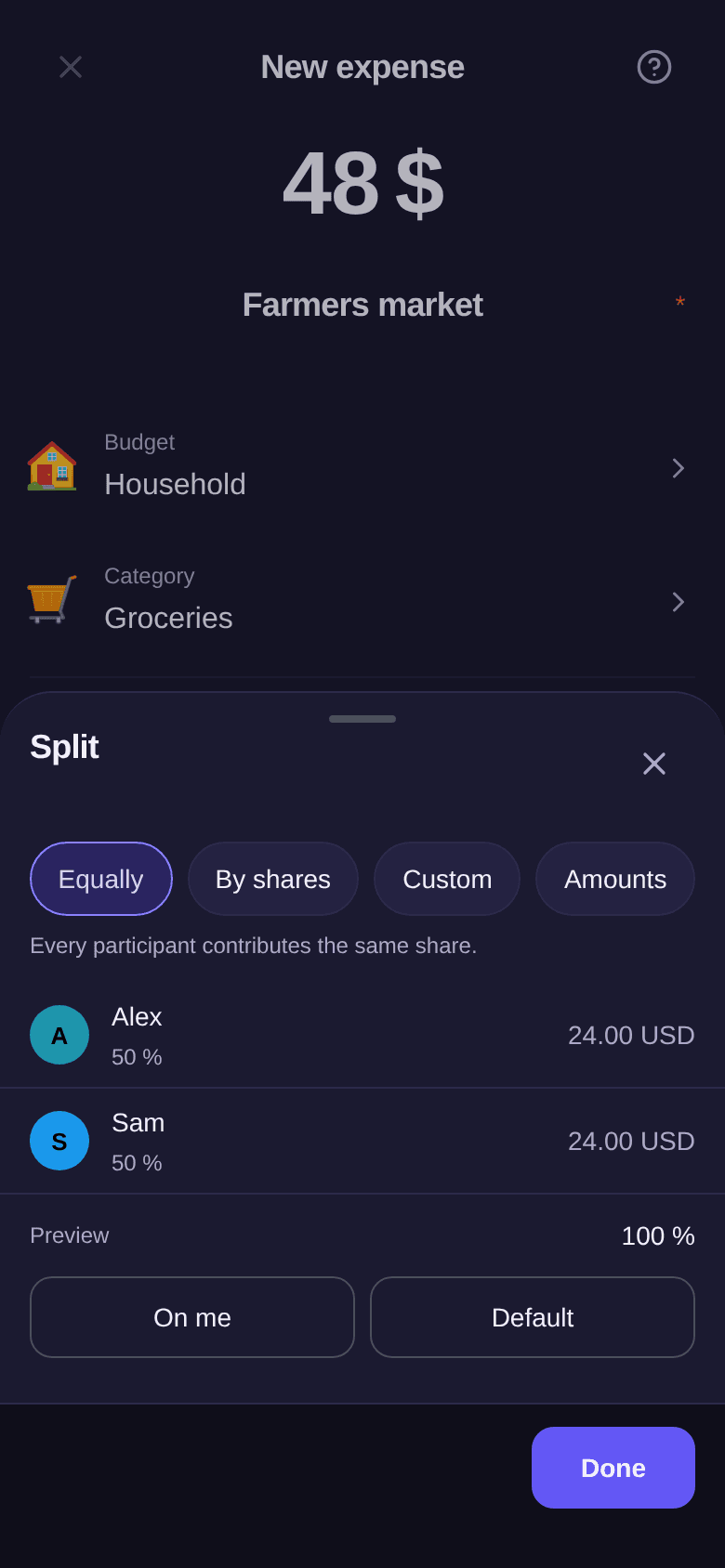
The four ways to share
Example: Alex and Sam have dinner at a restaurant for $60.
| Choice | What you enter | Result |
|---|---|---|
| Equally | Nothing | $30 each |
| By shares | 2 shares for Alex, 1 for Sam | $40 and $20 |
| Custom | 70% for Alex, 30% for Sam | $42 and $18 |
| Amounts | $35 for Alex, $25 for Sam | $35 and $25 |
In Custom, the total must reach 100%. In Amounts, it must match the expense amount exactly: otherwise, Boney shows the gap. Amounts appears once the amount is entered, and only exists for an expense: a budget's split is a rule, not a sum of money.
Two shortcuts
- On me puts the whole expense on you when you paid it. If someone else paid, the button carries their name, for example On Sam. It does not appear when Everyone is chosen in Paid by.
- Default returns to the budget's split.
Good to know
- Changing an expense's split does not change the budget's, and the reverse holds too.
- An invited person who has not accepted yet can already receive a share.
- A person who declined the invitation is no longer offered. If an older expense still gives them a share, you can remove it right there in the split.
- What everyone owes over time shows in the balances: see how to read balances.