
Add an expense
Record an expense in a budget and see right away who owes what.
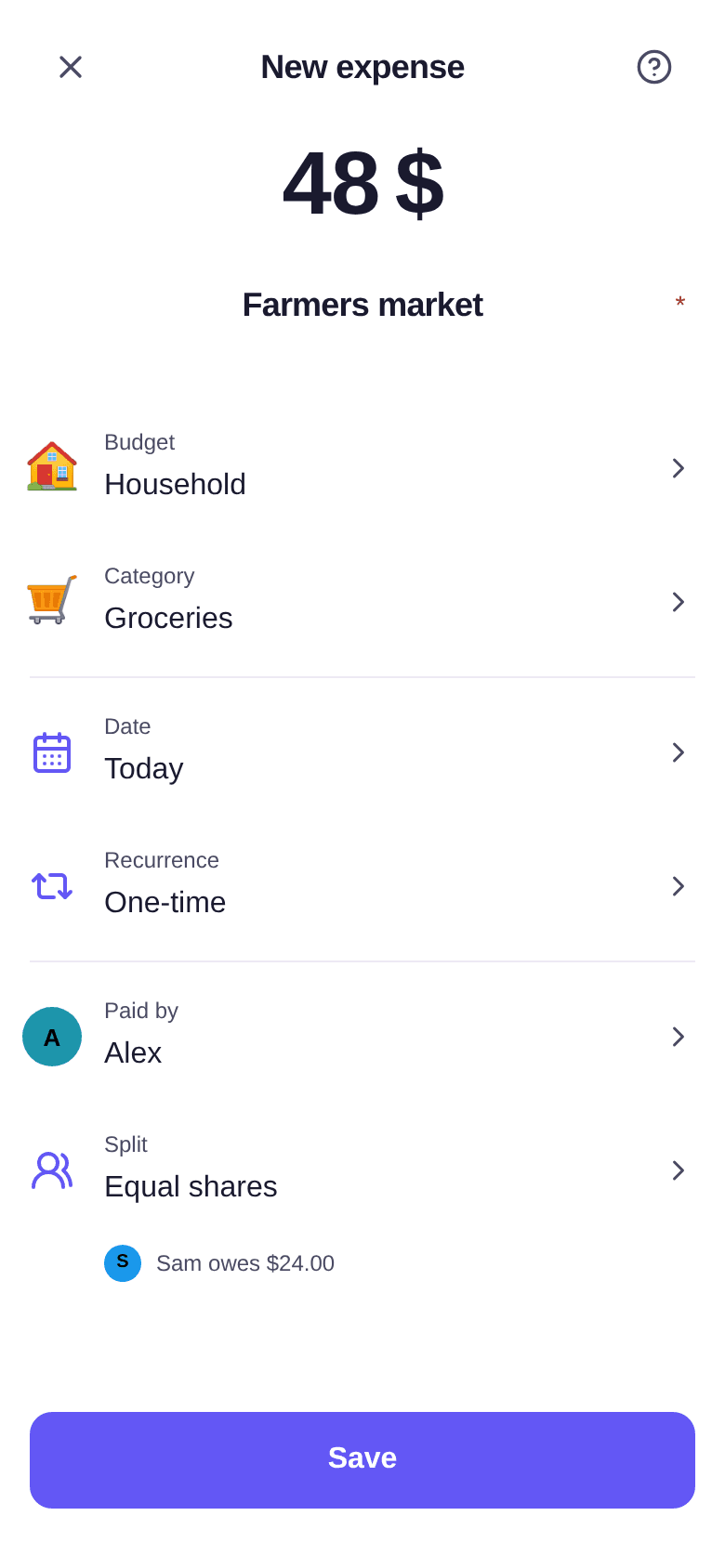
An expense always belongs to a budget. In a shared budget, you also say who paid for it: Boney works out what everyone owes from there.
Adding an expense
- Tap the + button in the middle of the bottom bar, then Expense. In the Activity tab, the + button at the top of the screen opens the same window.
- Enter the amount, then a description, for example "Farmers market".
- Check the Budget. If you opened the window from a budget, it is already selected.
- Choose a Category: the ones you use most come first.
- Change the Date if the expense is not from today.
- On a shared budget, check Paid by and Split (see below).
- Tap Save.
Who paid, and who owes what
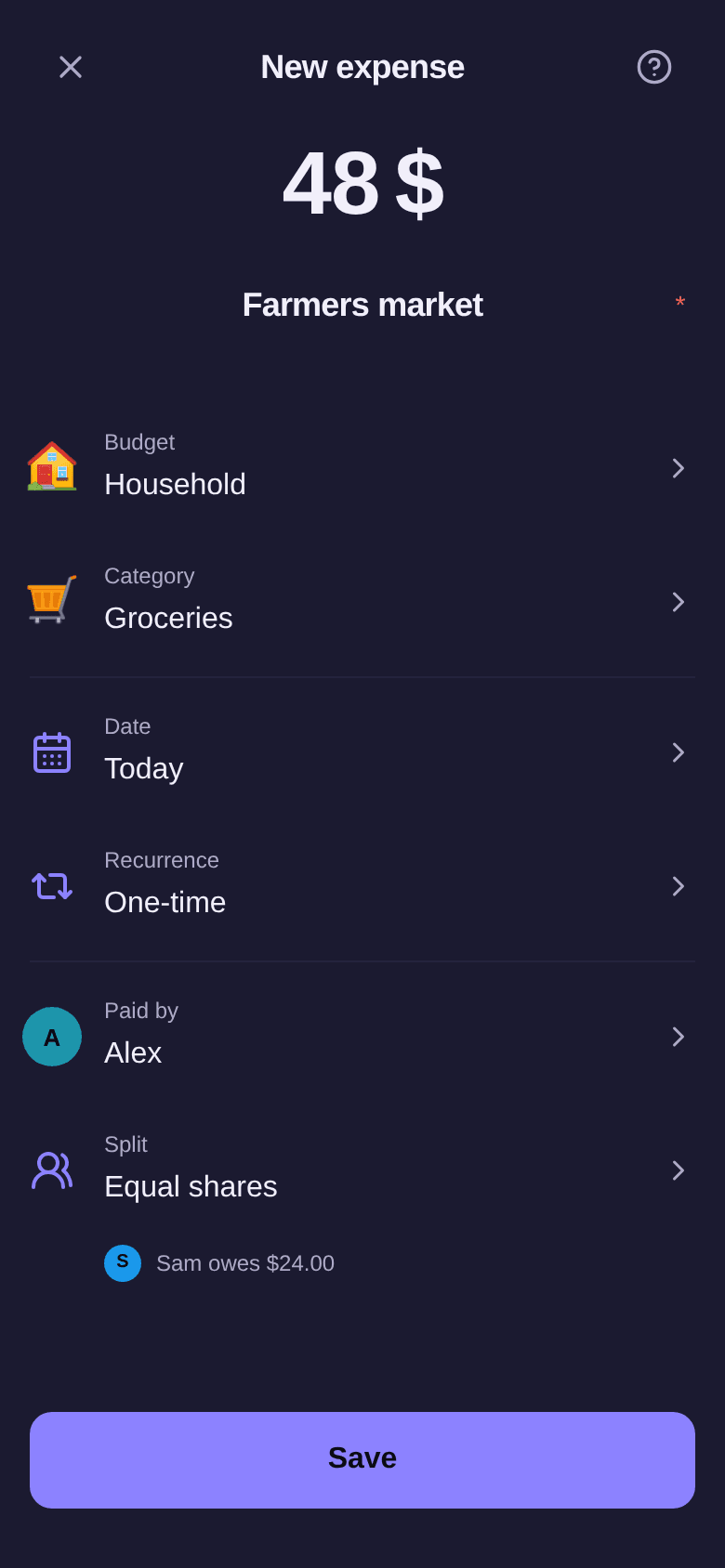
Here is an example. Alex pays $48 of groceries for the Household budget, shared equally with Sam. Under Split, the window shows "Sam owes $24.00": that is what will appear in the budget's balances.
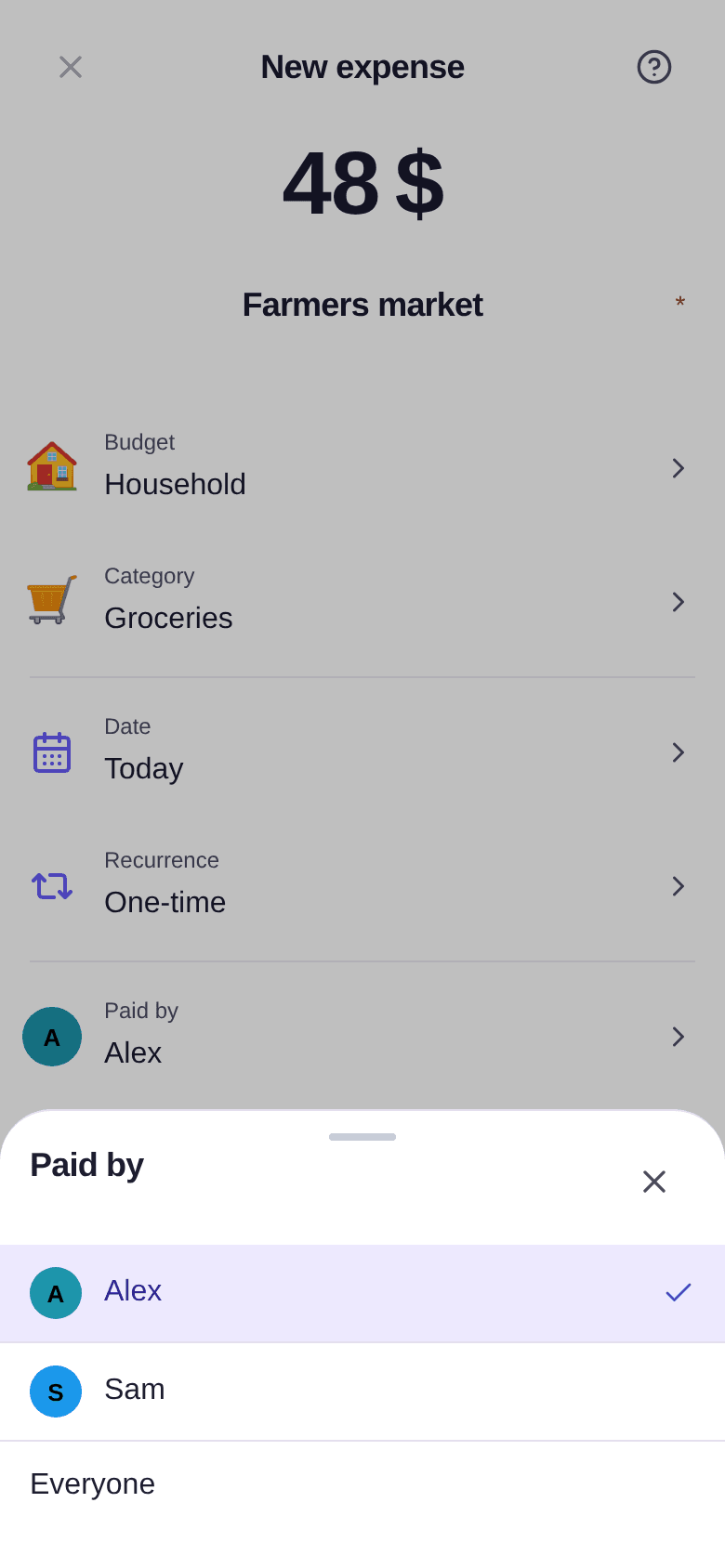
Tap Paid by to choose who paid:
- one person fronted the money: choose them, and the budget's split applies;
- everyone settled their own share on the spot: choose Everyone. Nobody owes anything, and the window shows "Everyone paid their share".
If the expense only concerns the person who paid, like a gift, put all of it on them in Split. The window then shows "You cover it all" and no debt appears. To share it another way, see how to split an expense.
On a personal budget, Paid by and Split do not appear.
Editing or deleting an expense
Tap the expense in the list to open and edit it. You can also swipe the row to the left: the buttons to edit and delete appear.
To delete from the window, tap Delete and confirm. Deletion is permanent, and the budget's balances update straight away. On a recurring expense, Boney first asks which repetitions to delete: see how to manage a recurring expense.
Good to know
- You need at least one budget to add an expense. Without one, the window says "No budget available": start by creating a budget.
- In a shared budget, participants see the expense and its split. They never see your income.
- Your expenses are listed in the Activity tab: see how to find your expenses.
- To save time: scan a receipt or import a bank statement.