
What does Premium unlock?
What the free plan allows, what Premium adds, and how to subscribe or manage your subscription.
Boney is free to use, with a few limits. The Premium subscription lifts them and adds document scanning. Throughout the app, a crown marks what requires Premium: tapping it opens the Premium offer.
Free or Premium
| Free | Premium | |
|---|---|---|
| Budgets | 3 | Unlimited |
| Invited people per budget | 1 | Unlimited |
| Analytics period | Current cycle | Any period |
| Reviews | The latest monthly review | Every review, monthly and annual |
| Receipt scanning | No | Yes |
| Statement import | CSV files | CSV, PDF and photos |
For example, on the free plan you can share the Home budget with Sam. To add Jordan as well, you need Premium.
Subscribing
- On the home screen, tap the Settings button at the top right.
- In the Plan section, tap See plans.
- Pick an option and confirm the purchase. Payment goes through your phone's store.
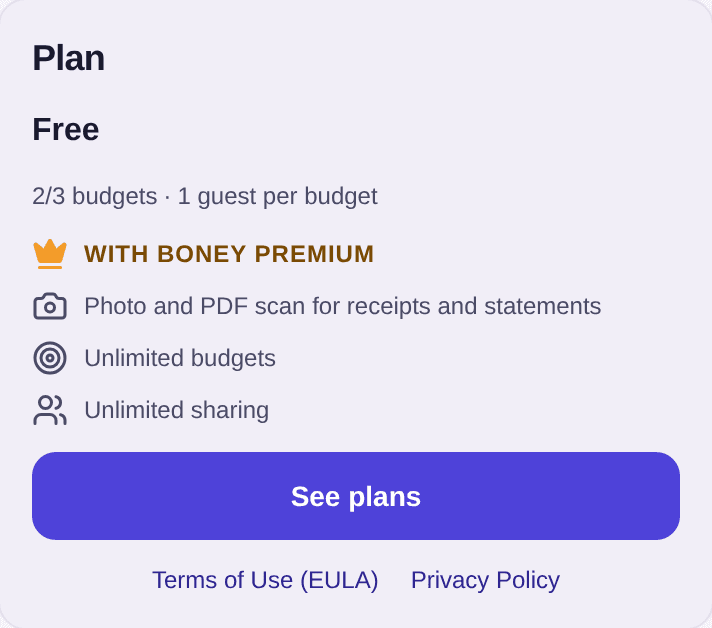
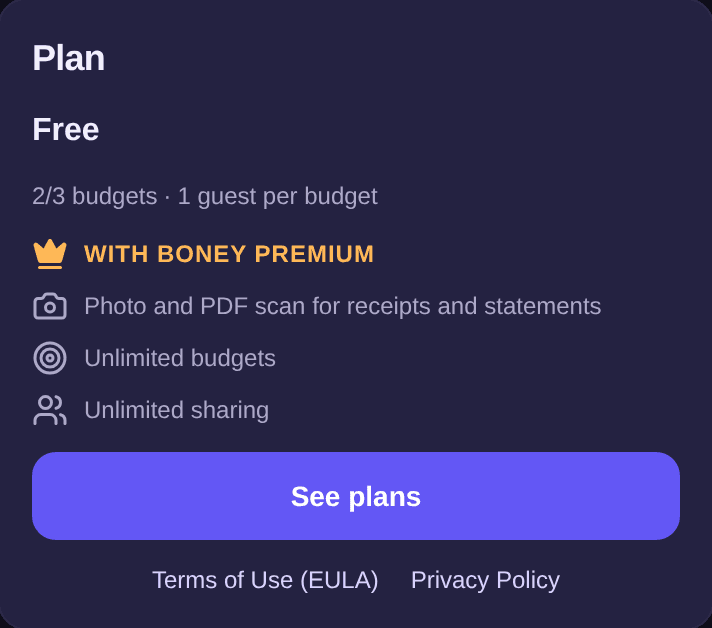
The Plan section also shows where you stand: “2/3 budgets” means you use 2 of your 3 free budgets.
If you already paid for Premium on another phone, or before reinstalling Boney, tap Restore purchases, below See plans, to get it back.
Managing or cancelling your subscription
With Premium, the Plan section shows Boney Premium and when it next renews, for example “Renews in 12 days”.
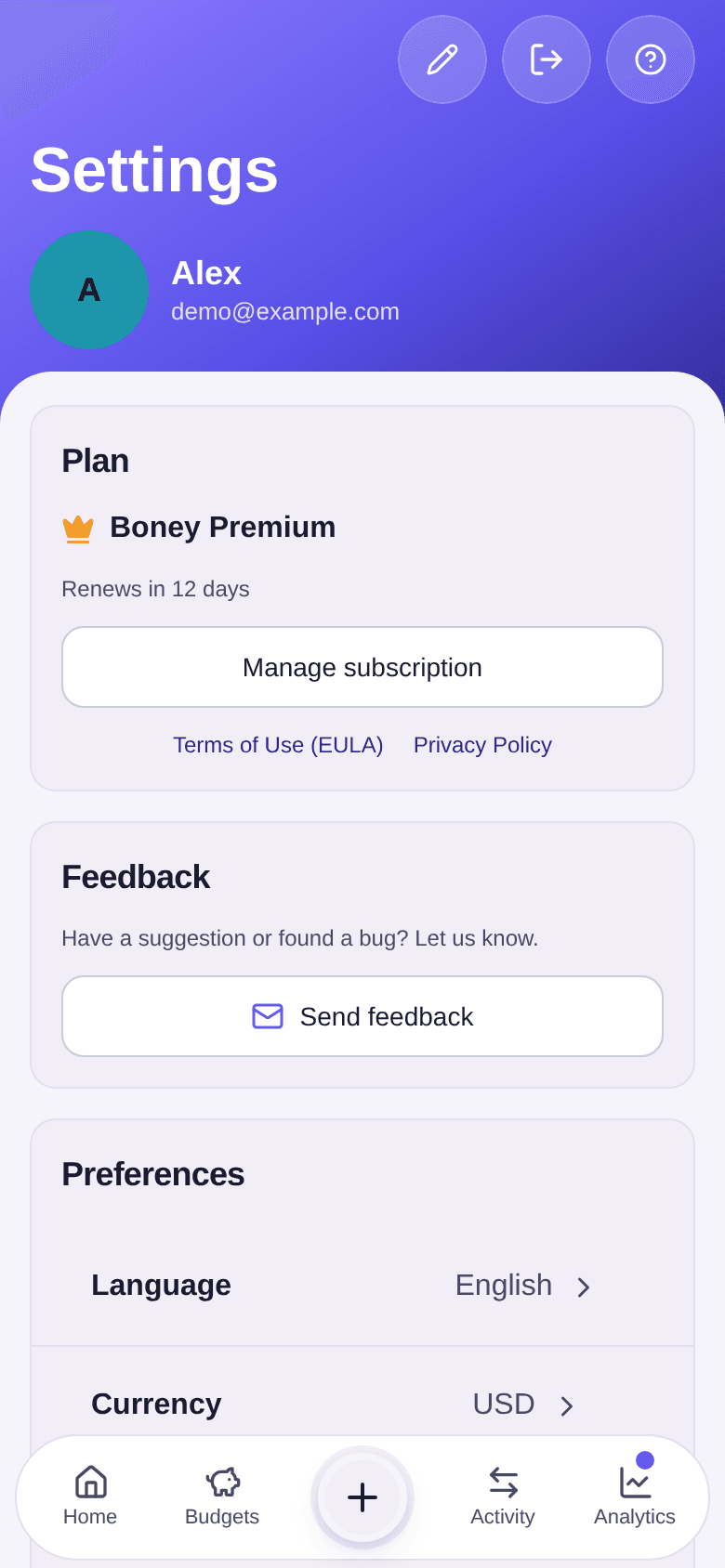
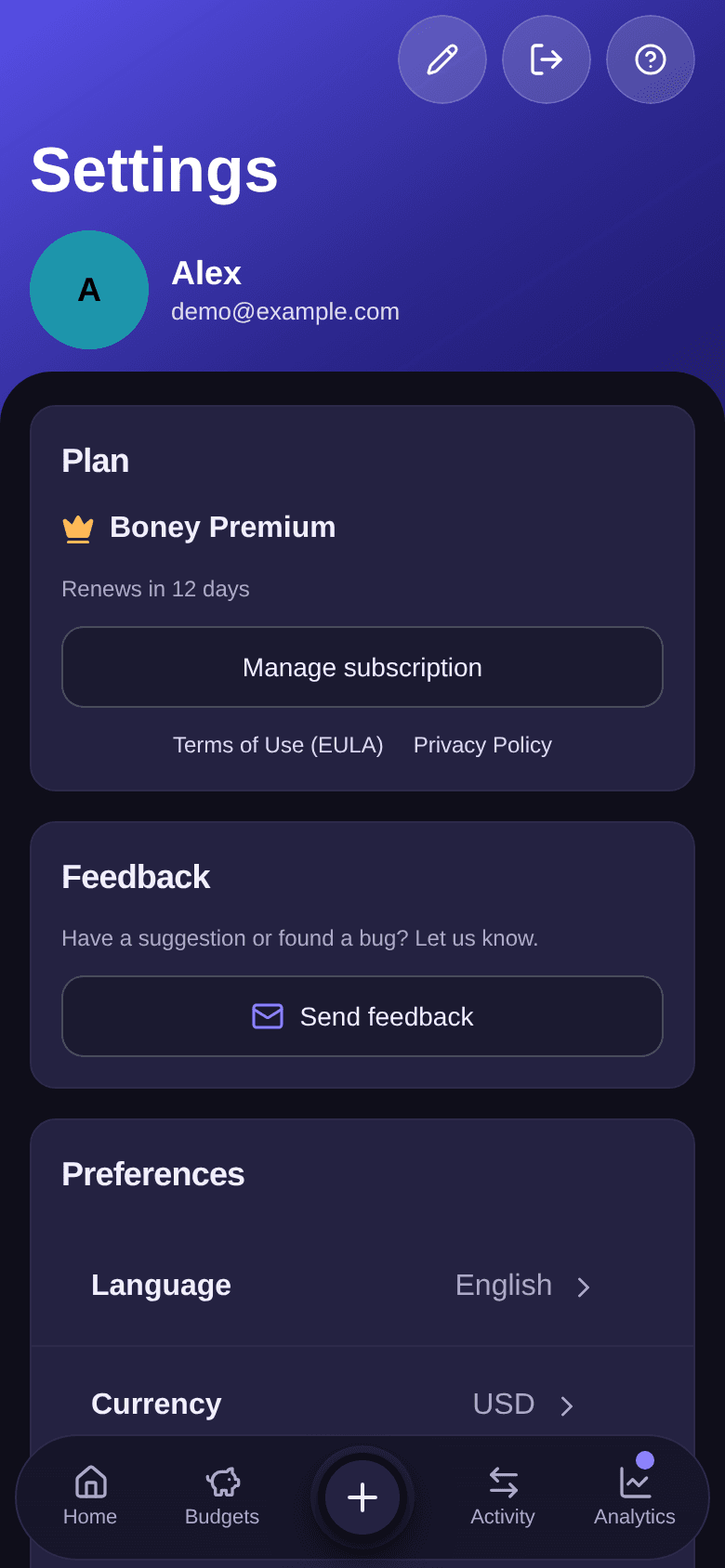
To manage or cancel your subscription, tap Manage subscription. If the subscription was taken out on the Boney website, the billing page opens in the browser.
Good to know
- During a trial, Premium is already active: the Plan section shows Trial.
- After you cancel, Premium stays active until the end of the period already paid. The free plan's limits then apply again.
- Deleting your account does not cancel the subscription: cancel it first with Manage subscription. See how to delete your account.
- For analytics periods and reviews, see how to read the analytics and how to read the reviews.
How do I manage notifications?
Get alerted when someone edits a shared budget, before a major expense, when you haven't recorded anything for a few days or when your monthly review is ready, and turn those alerts off.
How do I delete my account?
Permanently delete your Boney account, and what happens to shared budgets.