
Reviews
Read a review
Open the report of a finished cycle and understand what it says about your income, spending and budgets.
A review takes stock of a finished cycle: what you earned, spent and set aside, and which budgets went over their target. So the first review arrives at the end of your first cycle.
Open a review
- Open the Home and scroll down to the Reviews block, below the current week.
- Tap the card of the latest review. It shows New until you open it.
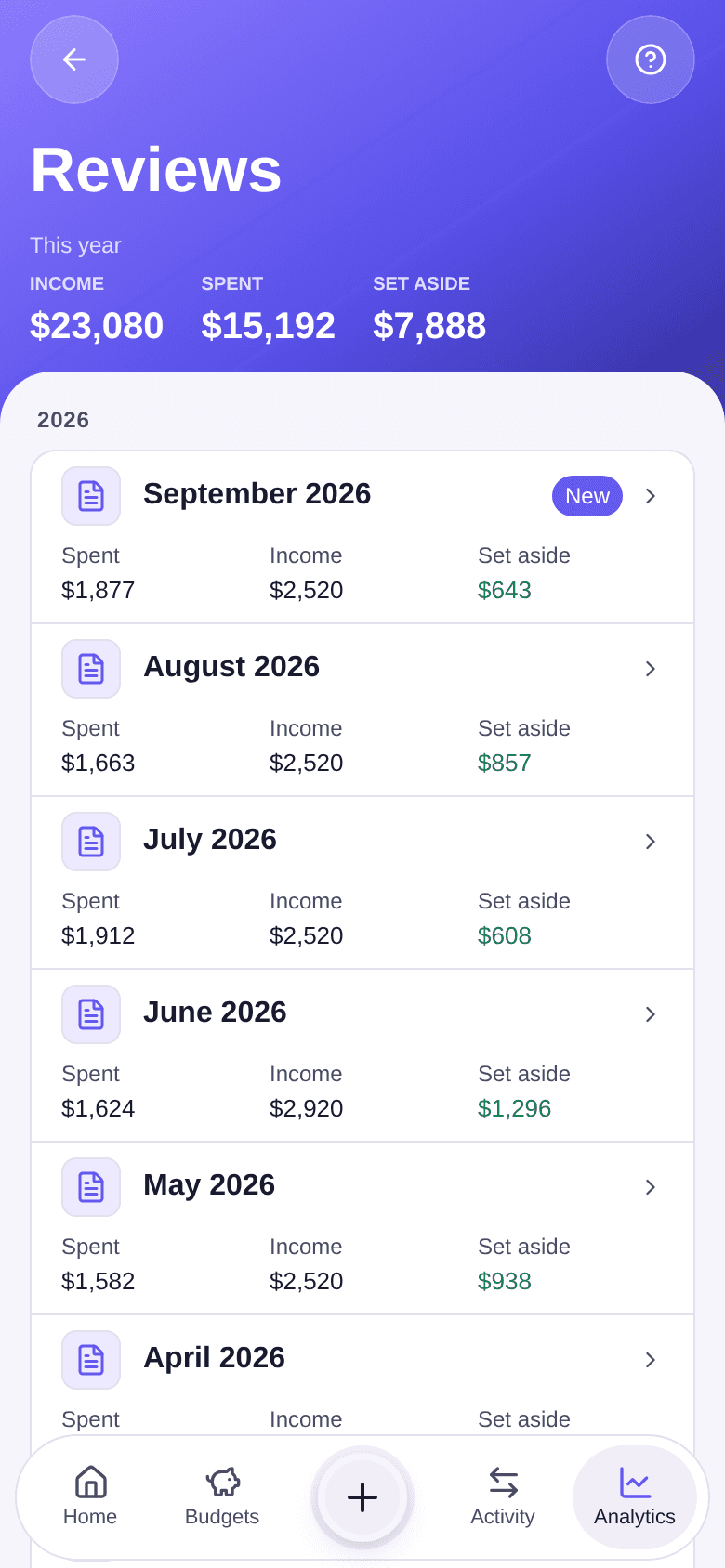
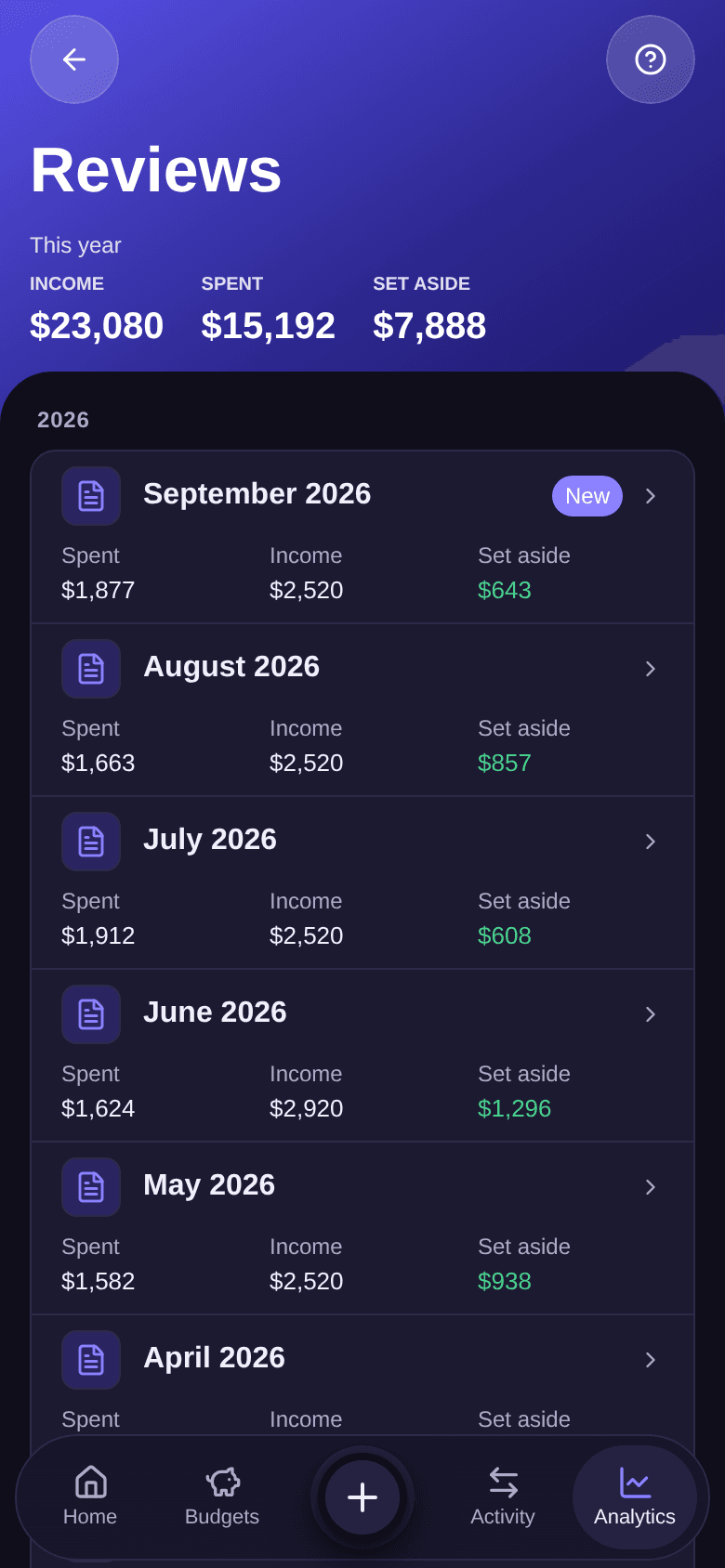
- For an older review, tap View all, then the period you want.
- Tap Close to go back to the previous screen.
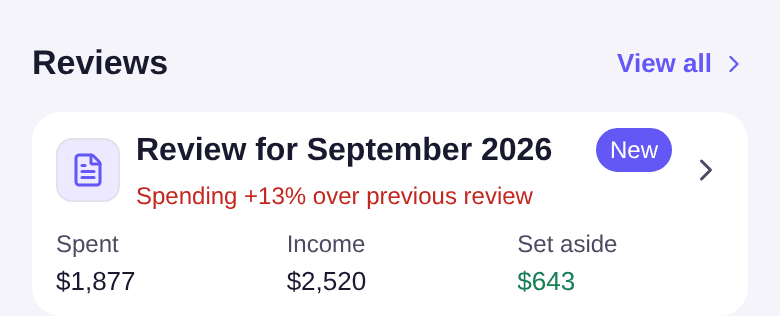
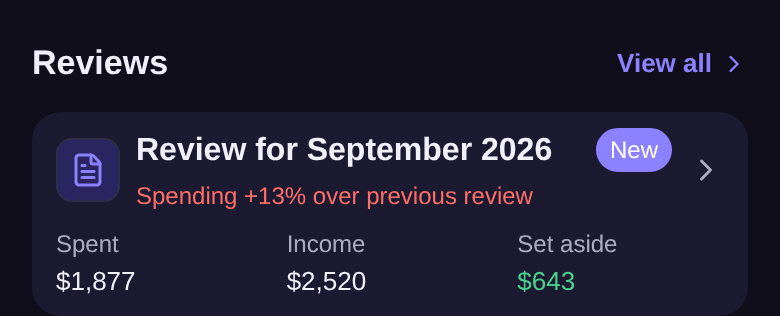
The Reviews screen starts with the This year totals, then groups reviews by year, most recent first.
Read a monthly review
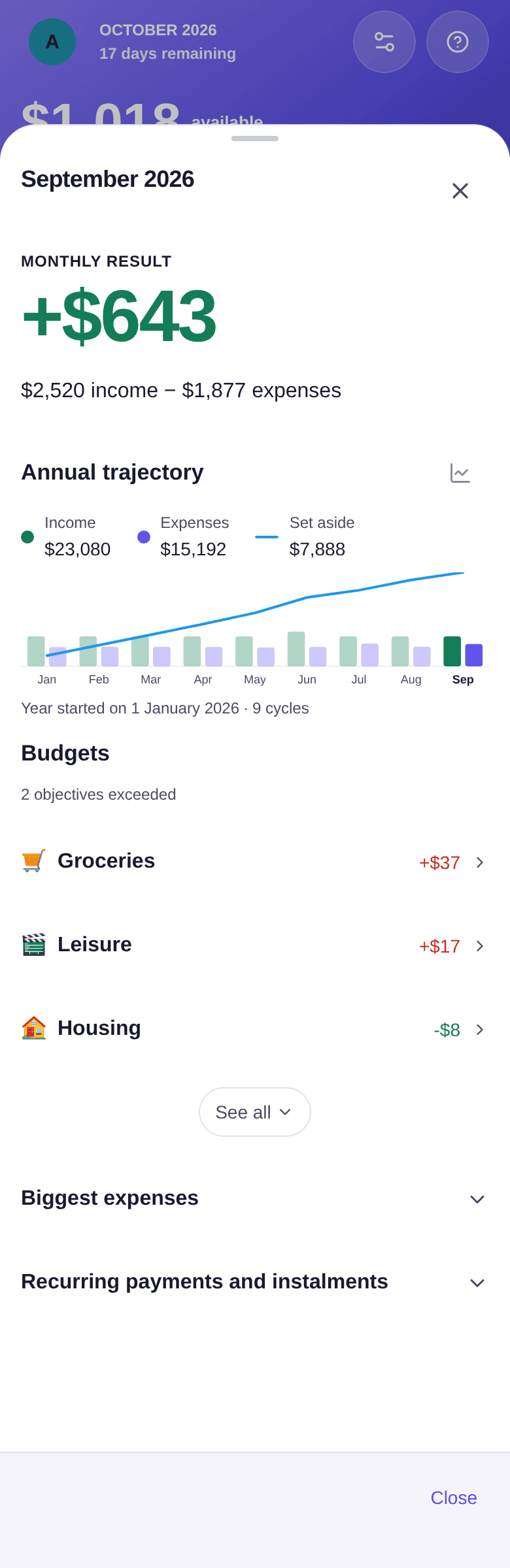
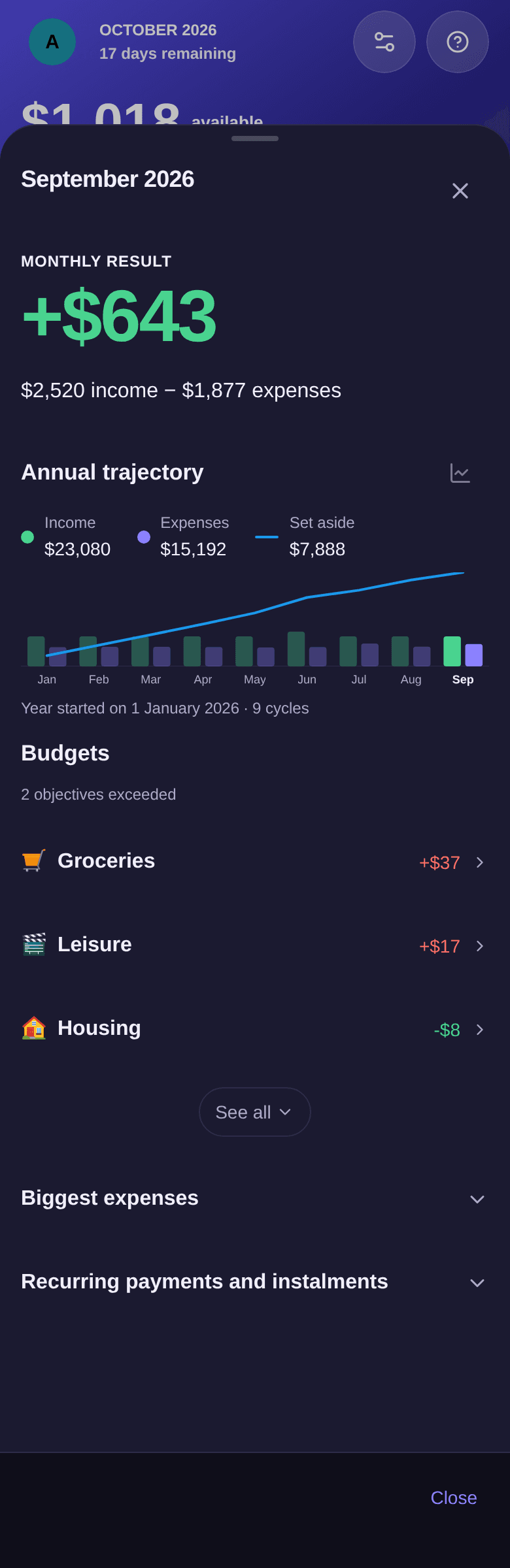
- Monthly result: your income minus your expenses. With "$2,520 income − $1,877 expenses", the month ends at +$643. With no income recorded, this block becomes Expenses this month.
- Annual trajectory: income and expenses for each finished cycle of the year, and what you have set aside since the start of the year. The chart icon, right of the title, opens the same period in the Analytics tab.
- Budgets: each budget against its target. "2 objectives exceeded" and "Groceries +$37" mean that two budgets went over their target, Groceries by $37. Tap a budget to open its page.
- Biggest expenses and Recurring payments and instalments: tap the title to expand the list.
The annual review
With Premium, each finished year also has its own review, listed first within its year on the Reviews screen (for example "Year 2025"). In January, the card of the Reviews block features it. It shows what you set aside over the year and your Savings rate, the year month by month, the budgets that weighed most and what carries on into the next year.
Good to know
- Without Premium, the latest monthly review is included. Older reviews and annual reviews are marked "Premium only": tapping one opens the Premium offer. In the annual trajectory, See the full year opens the offer too. See what Premium unlocks.
- On the first day of your new cycle, at 6 pm, a notification tells you the review is ready. To turn it off, see how to manage notifications.
- To follow a period still in progress, see how to read the analytics.