
How do I create a budget?
Create a personal or shared budget, give it a target, then edit or delete it.
A budget groups the expenses of one topic — groceries, the home, holidays — and can carry a spending target. It stays personal or is shared with other people.
Creating a budget
- Open the Budgets screen from the bottom bar, then tap the + button at the top right.
- Tap the emoji circle to pick one, then enter the budget name. The name is the only required field.
- Tap Target to set an amount not to exceed. Next to the amount, tap the period to choose Week, Month or Year, then tap Done.
- Tap Budget type and choose Personal or Shared.
- Tap Create budget. The budget opens straight away.
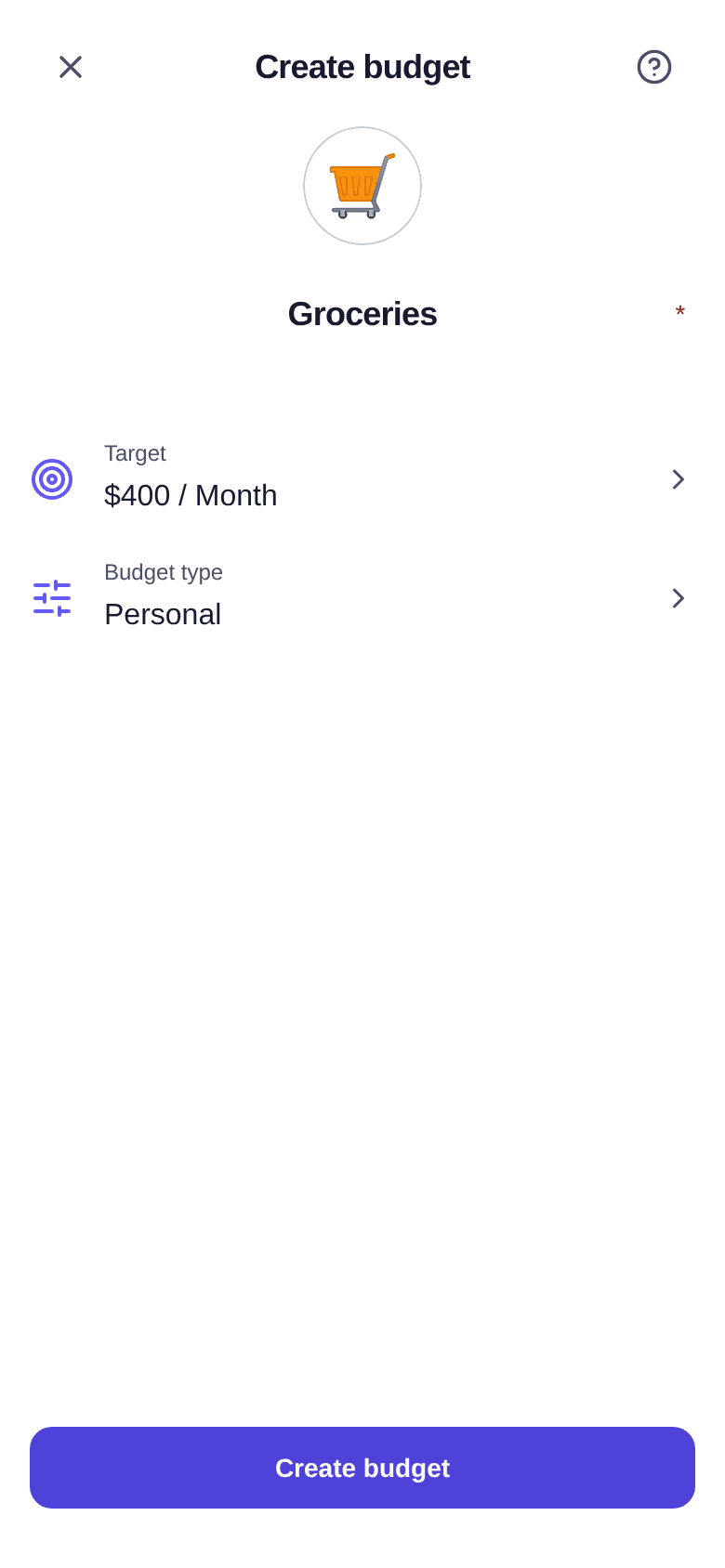
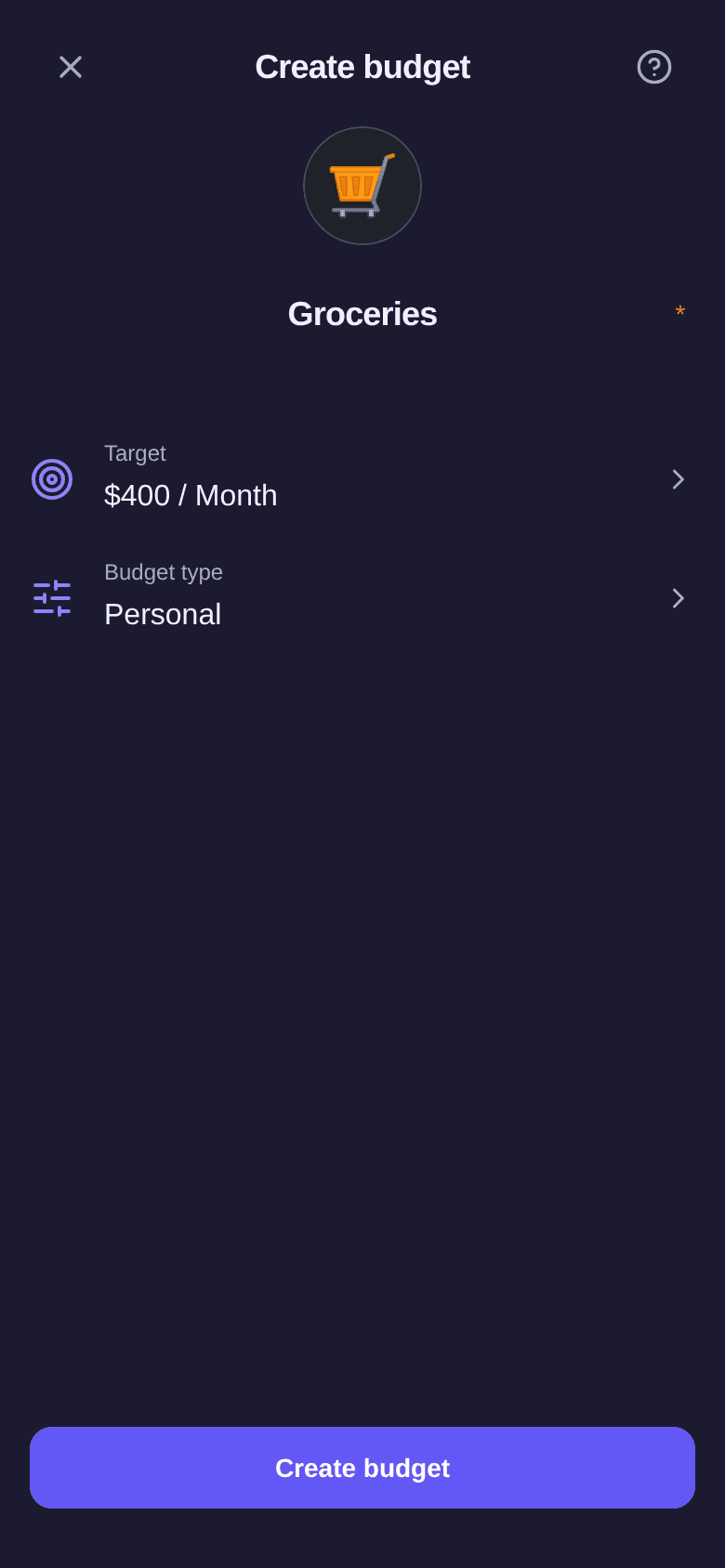
The target is optional: without an amount, the budget simply tracks your spending. With a target, you see your progress in the budget and it counts in the budget plan. The Month and Year periods follow your budget cycle.
Sharing from the start
Choose Shared in Budget type: the window reminds you that participants can see this budget's expenses, splits and balances, but that your income stays private.
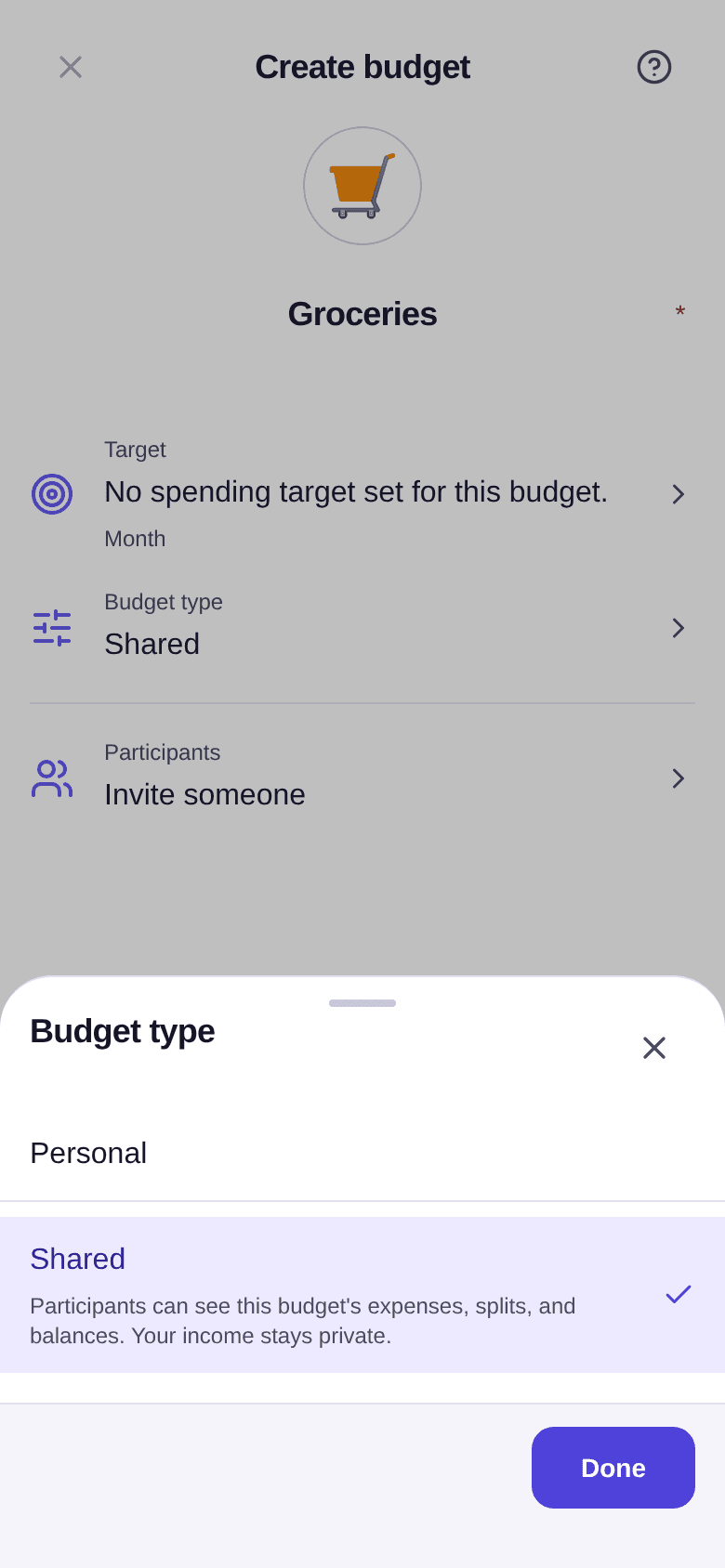
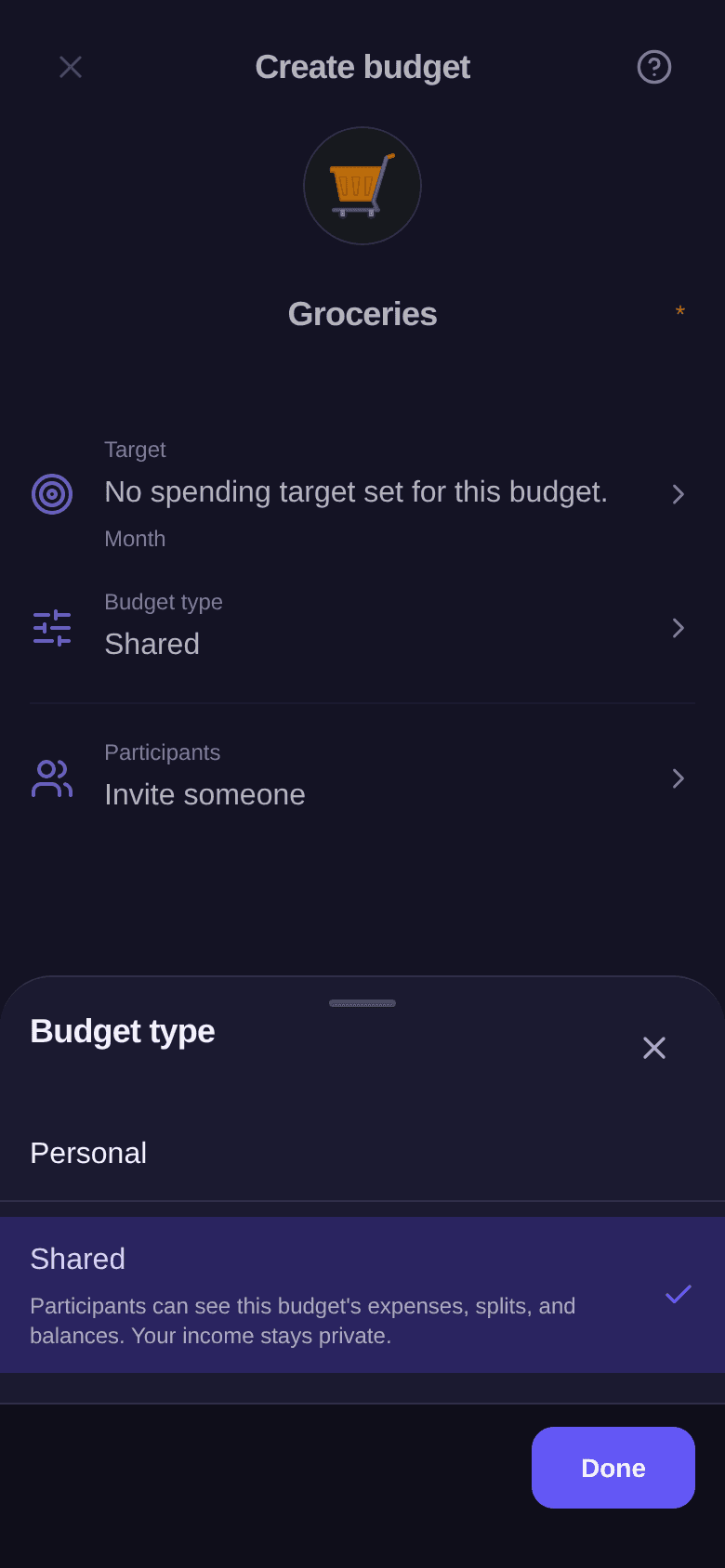
A Participants row then appears: tap it to invite someone before you even save. As soon as an invitation is ready, the Split row lets you choose how expenses are shared — see how to set the split.
A personal budget can also be shared later: invite someone from its participants — see how to invite a participant.
Editing
- Open the budget, then tap the … button at the top right.
- Tap Edit.
- Change the emoji, the name or the target and its period, then tap Save.
From the budget list, you can also swipe a budget row to the left, then tap Edit. The personal or shared choice cannot be edited: a budget becomes shared when someone is invited to it.
Deleting
In the budget's … menu, tap Delete budget, then confirm with Delete. Deletion is final. From the list, swiping the row to the left also offers Delete.
Good to know
- On the free plan, you can create up to 3 budgets. Beyond that, tapping Create budget reminds you of the limit and offers Premium — see what Premium unlocks.
- On the free plan, a shared budget welcomes one invited person besides you.