
Home
Add things quickly with the + button
Add an expense, a receipt, an income or a budget from any screen, with the + button in the bottom bar.
The + button, in the middle of the bottom bar, is the shortest way to add something. It is there on every tab, not only on the home screen.
Adding something
- Tap the + button in the middle of the bottom bar. A menu opens above it.
- Choose what you want to add:
- Expense to enter an expense by hand;
- Receipt to scan a till receipt and let Boney fill in the expense;
- Income for a salary, a transfer or a reimbursement;
- Budget to create a budget, personal or shared.
- Fill in the window that opens, then save.
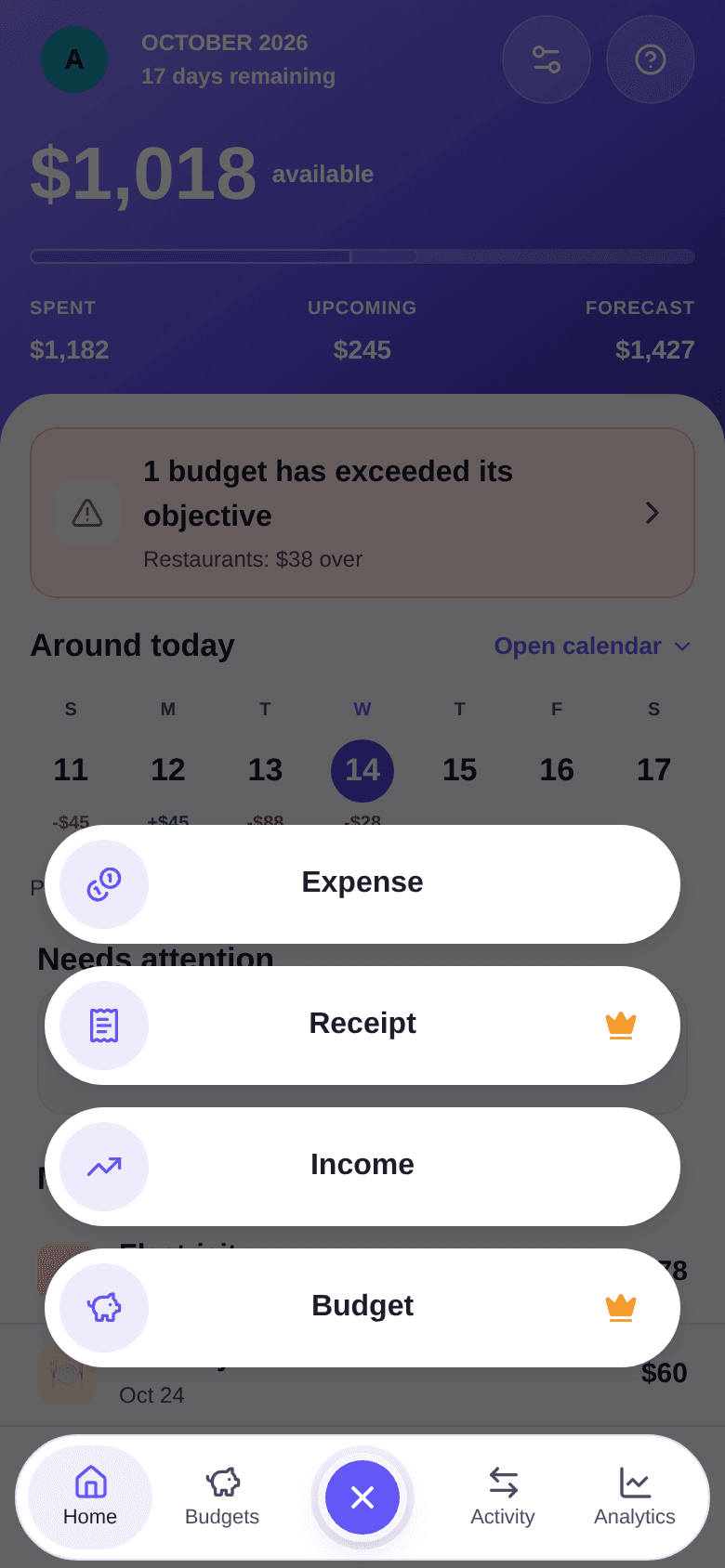
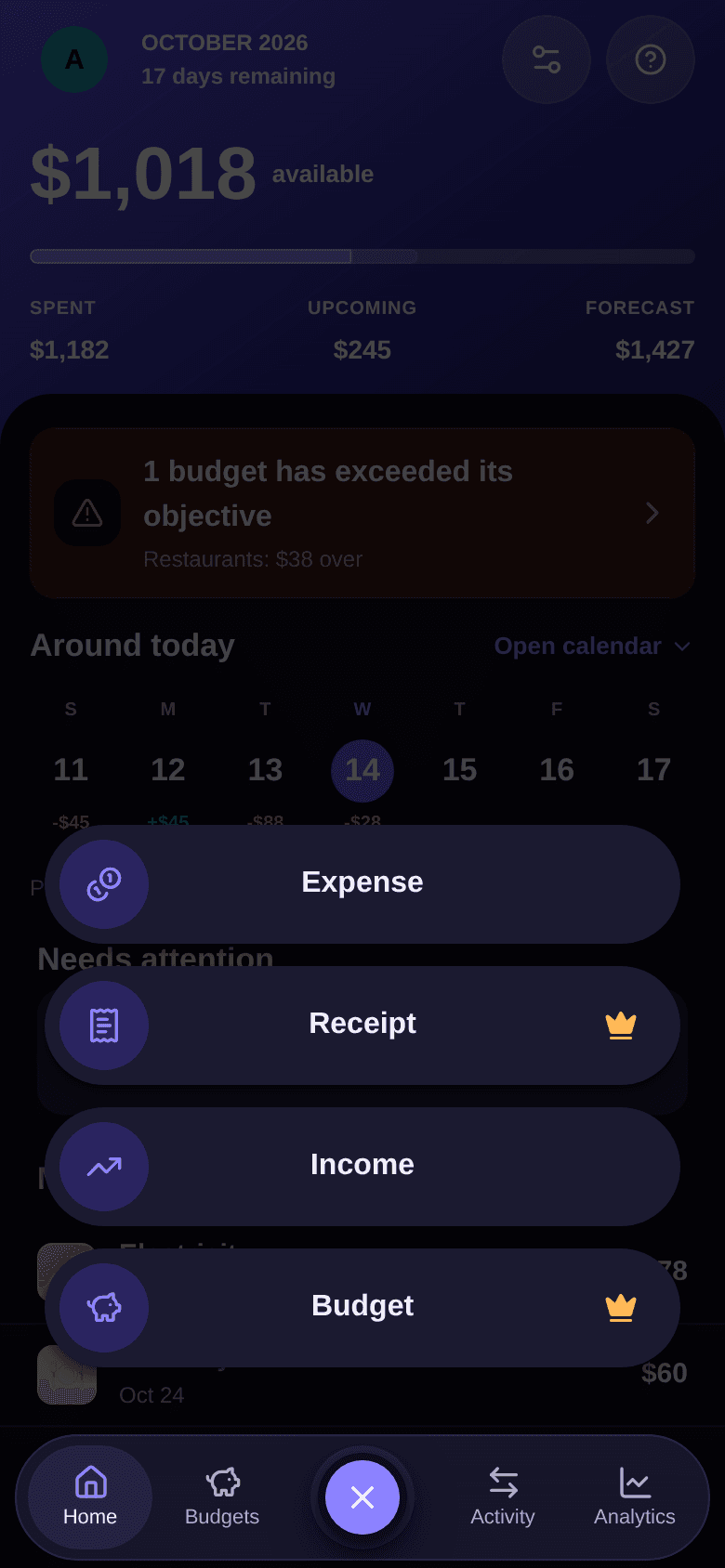
To close the menu without choosing anything, tap the cross that replaced the +, or tap outside the menu.
If you open the menu from a budget's page, Expense and Receipt pick that budget for you.
The Premium crown
A crown next to an action means it requires Premium:
- Receipt: receipt scanning is part of Premium. See how to scan a receipt.
- Budget: the crown appears once you have 3 budgets, the limit of the free plan.
Tapping an action with a crown opens the Premium offer instead of the entry window. See the Premium plan.
Good to know
- The tabs of the bottom bar are Home, Budgets, Activity and Analytics. See how to read the home screen and how to find your expenses and income.
- Settings opens with the button at the top right of the home screen. See how to set your preferences.
- Debts has no tab: open it from the home screen's Debts section, with Watch more. See how to read balances.