
How do I track a budget?
Read a budget's detail, understand its forecast and react when it is about to go over its target.
A budget's detail tells you how much you have already spent this period, what is still planned, and whether the target will hold. Tap a budget on the Budgets screen to open it.
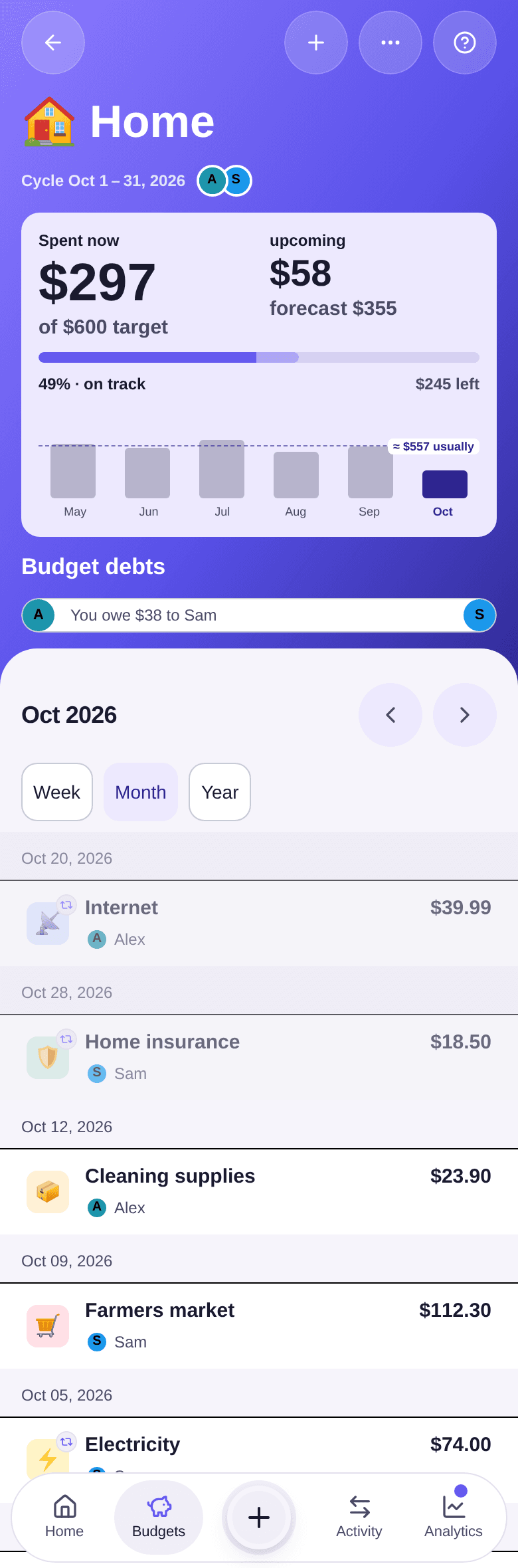
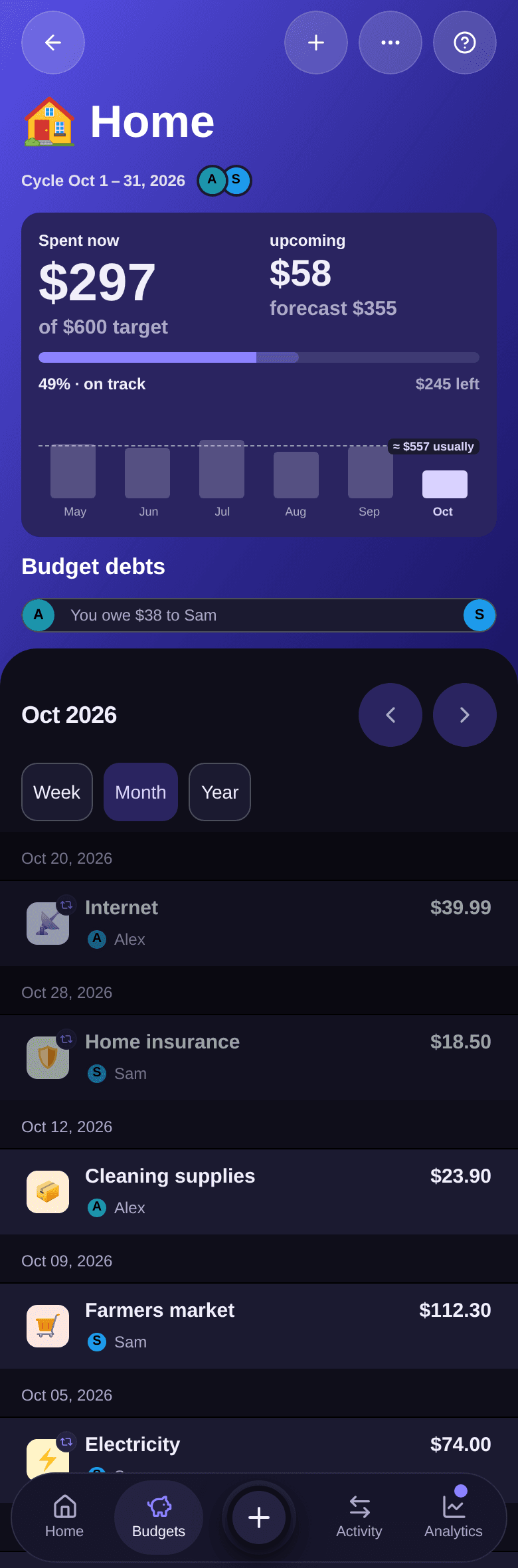
Reading the top of the screen
- Spent now: what has gone out since the start of the period, against the target amount.
- upcoming: the expenses already planned later in the period, such as a recurring expense that
comes back at the end of the month. With them,
forecast …gives the expected total. - The bar and the line below it place the forecast against the target: on track, almost over, then over budget when the forecast goes over the target.
Example. On Home, $297 is already spent and $58 comes back before the end of October: the forecast is $355 for a $600 target. The budget is at 49%, on track, with $245 left.
The bars further down compare recent cycles, with a ≈ … usually marker. Tap a bar to show that
cycle.
When the target is about to be exceeded
If the forecast goes over the target in the current period, an alert appears above the expenses.
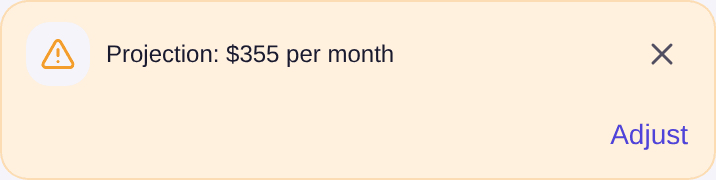
- Tap Adjust to review the target. Boney offers a Suggested target — see how to adjust a target.
- Or tap the cross to hide the alert on this phone until the next cycle.
The alert turns red when the target is already exceeded.
Changing period
Below the top of the screen, choose Week, Month or Year, then use the arrows to move to the previous or next period. The budget always opens on its target's period — see why your month may not start on the 1st.
Expenses and debts
The list starts with the period's upcoming expenses, then the past ones. Amounts are those of the whole expense, whichever participant paid.
On a shared budget, Budget debts shows who owes what to whom because of this budget. The section disappears once everything is settled.
Budget actions
Tap the + button at the top right to add an expense to this budget. The … button opens the budget menu.
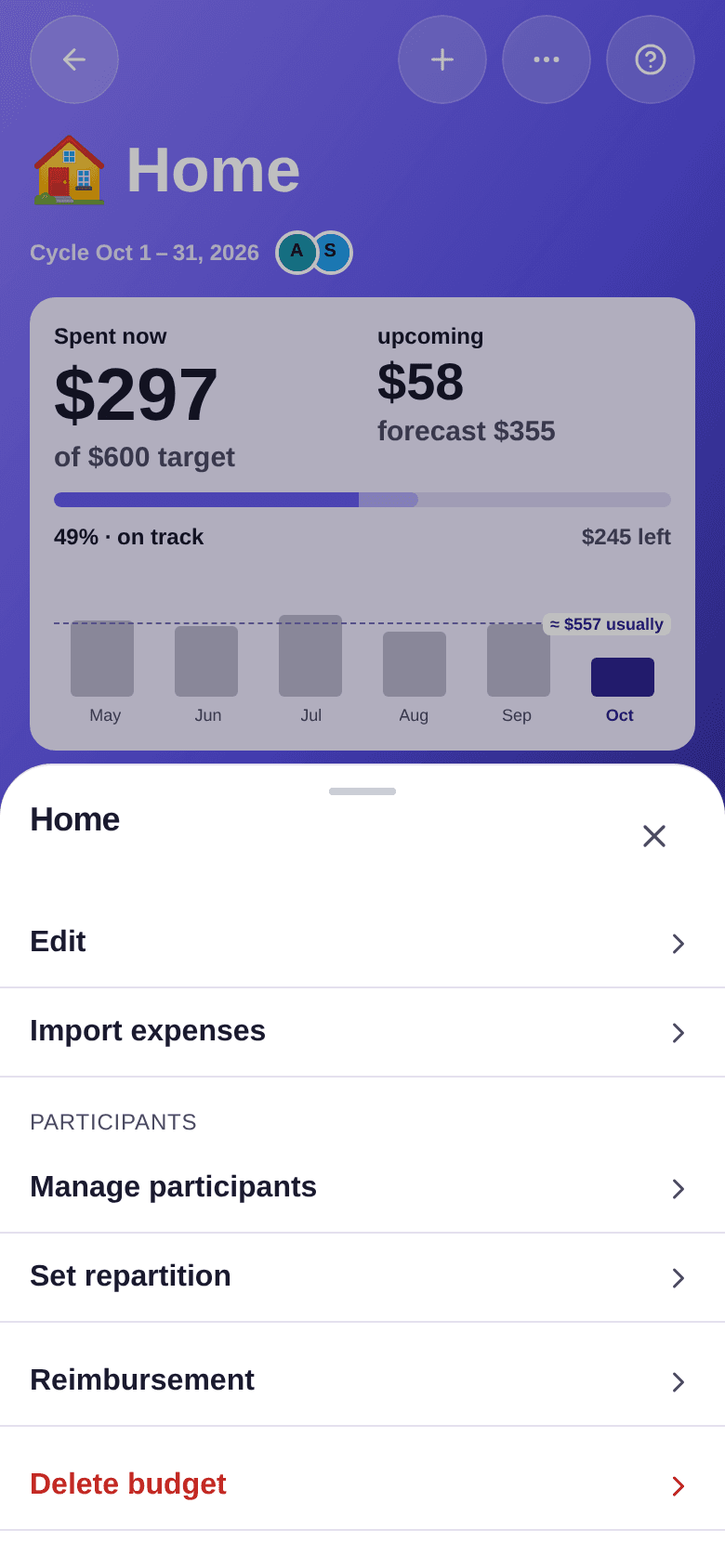
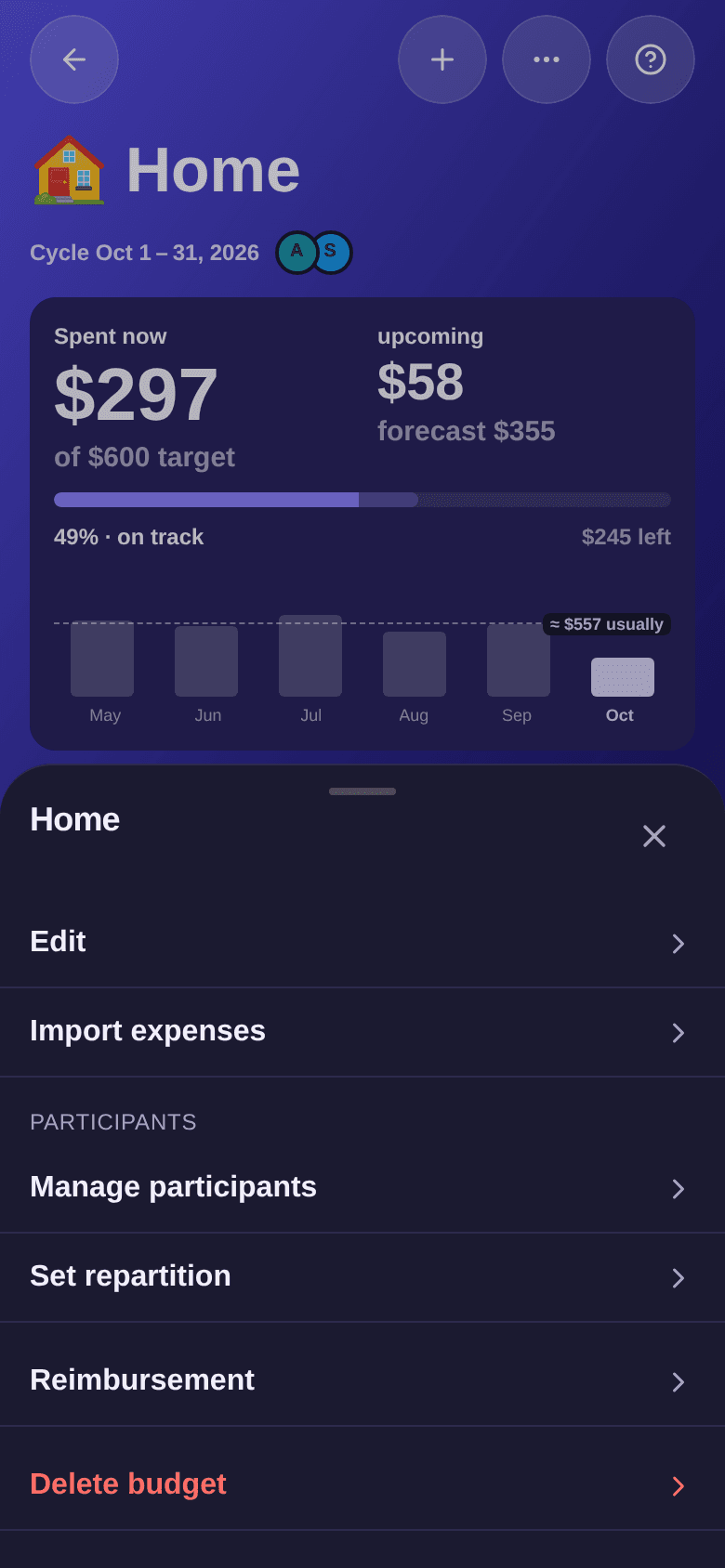
Reimbursement only appears when a debt is still to be settled in this budget — see how to record a reimbursement.
Good to know
- To edit or delete the budget, see how to edit a budget.
- To invite someone, follow the invitation steps.